
Order complete · fPost
Your fPost code
is on its way.
Your order is being processed. In a few minutes you will receive an email with your fPost redeem code. Redeem it from your Forte account in three steps.
STEP 1 / 3
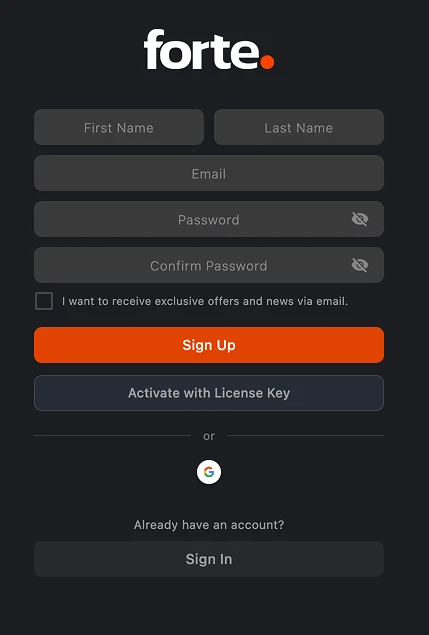
Sign in to your Forte account
Sign in with the same email you used at checkout. No account yet? Creating one takes a minute, and your license will be tied to it.
STEP 2 / 3
Redeem your code from your account
In your account, open Redeem a code, paste the code from your email and confirm. fPost unlocks on your account instantly.
STEP 3 / 3
Launch fPost and sign in
Open fPost on your Mac and sign in with the same account: your license is active and you are ready to import your first AAF.
Do not have fPost installed yet?Download it now. Once your code is redeemed, sign in inside fPost and you are active.
Download for macOSCode not in your inbox within 10 minutes? Check spam, then write to support@forte-ai.com