
From AAF to mix-ready.
Automatically.
Drop an AAF or open a PTX session. fPost detects the content, matches your template and hands you a session that is ready to mix.
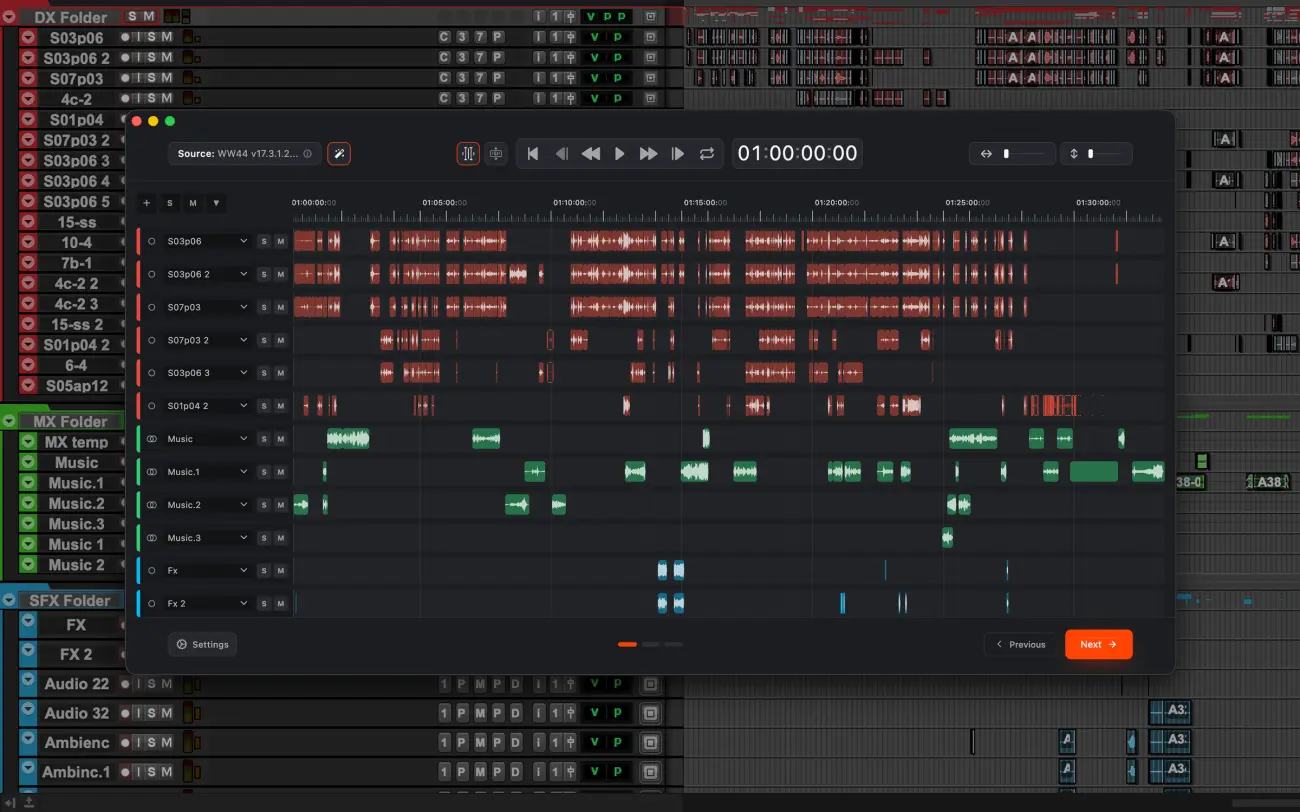
From AAF to ready-to-mix, in five steps
Open it. That is the whole job.
Drag in the AAF or open an existing session. fPost reads every clip, track and metadata field before anything touches your timeline.
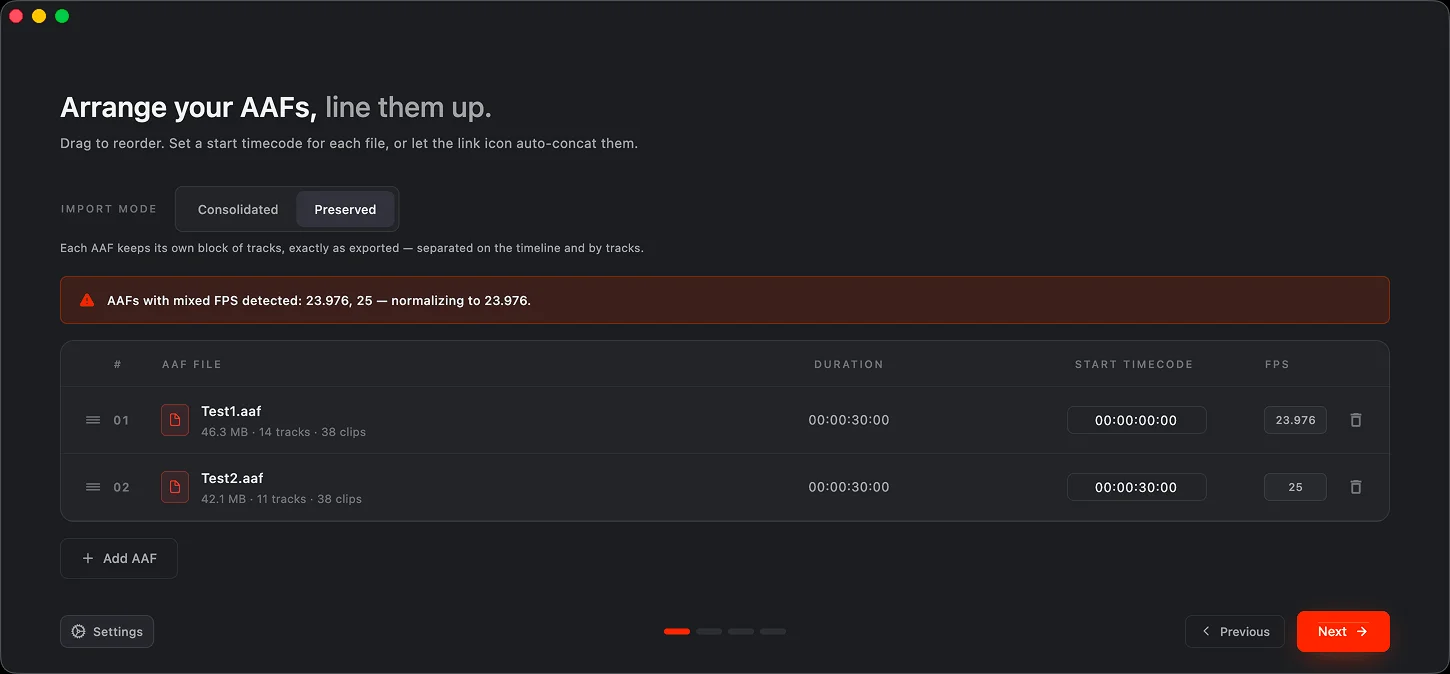
One session, as many AAFs as you need.
With Suite, import a whole turnover in one pass: order the AAFs by timecode, mismatched frame rates get flagged and aligned. Reels stay on their own tracks, or consolidate into one lean layout.
AI-R classifies, your template decides.
The on-device engine recognizes dialogue, music and SFX and matches everything to your template. Review it all in the Visualizer before it touches Pro Tools: fades, gains, automation and timecode land intact.
One AAF in. A session per editor out.
Suite’s PTX Splitter turns one AAF into separate Pro Tools sessions: dialogue, music and effects each land in their own, named and routed to your template.
The session is ready when fPost is.
You get a clean session, organized the way you would have done it by hand. Zero manual edits, hours back per episode.
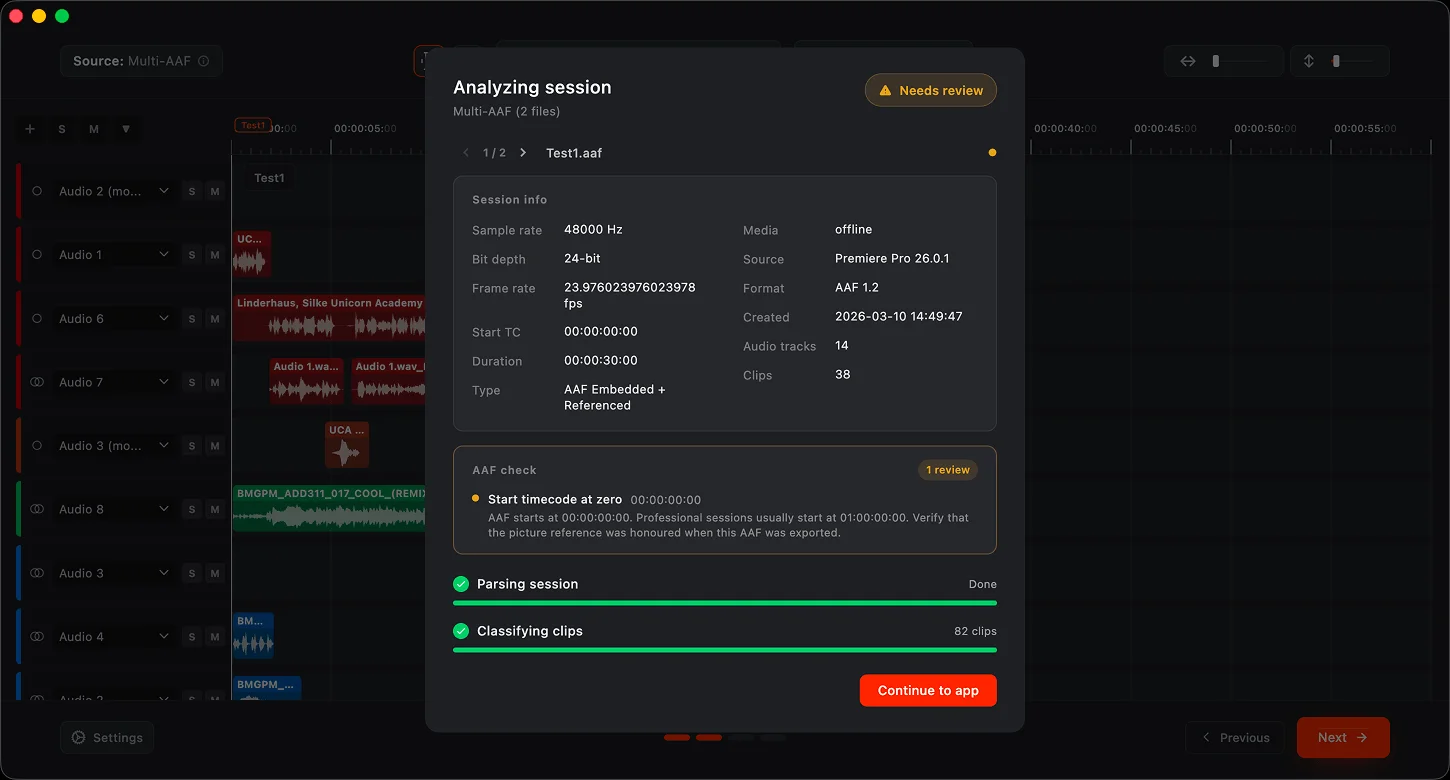
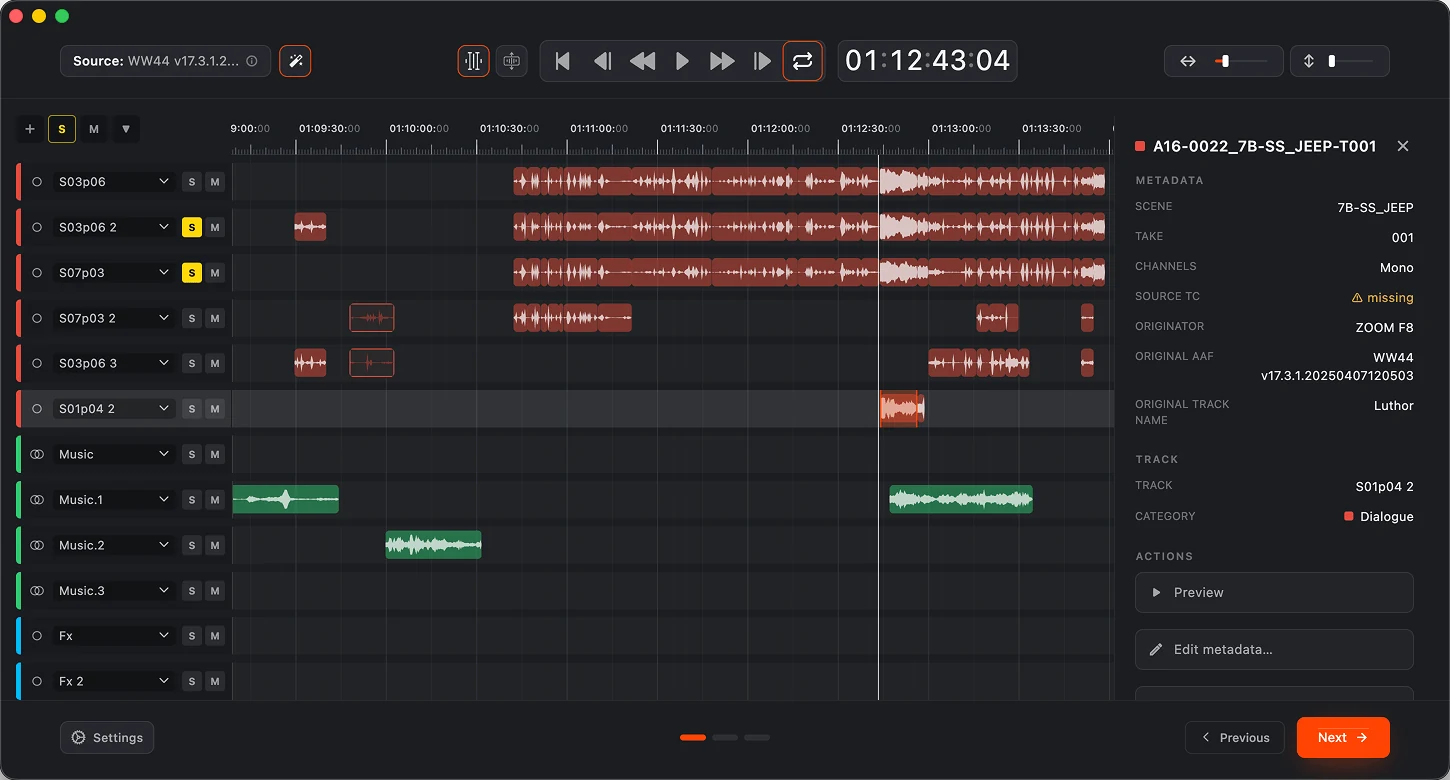
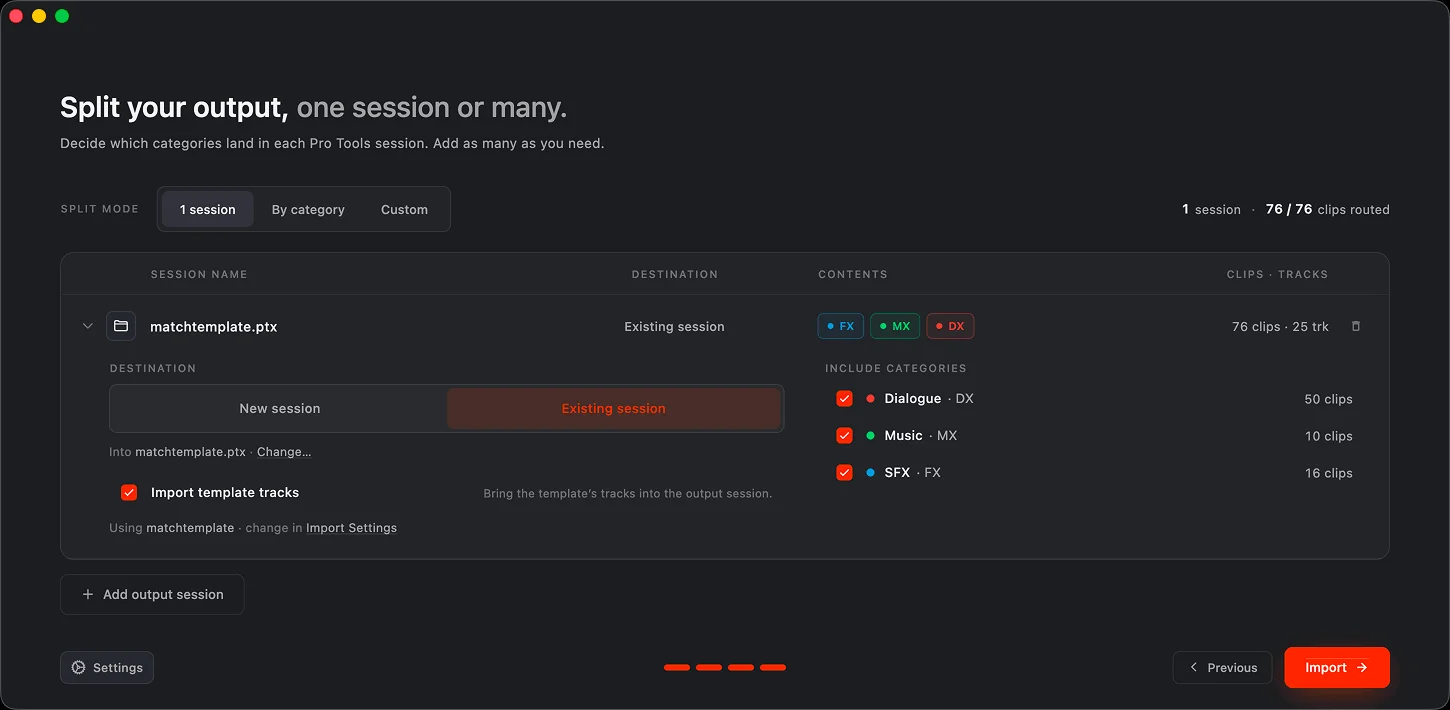
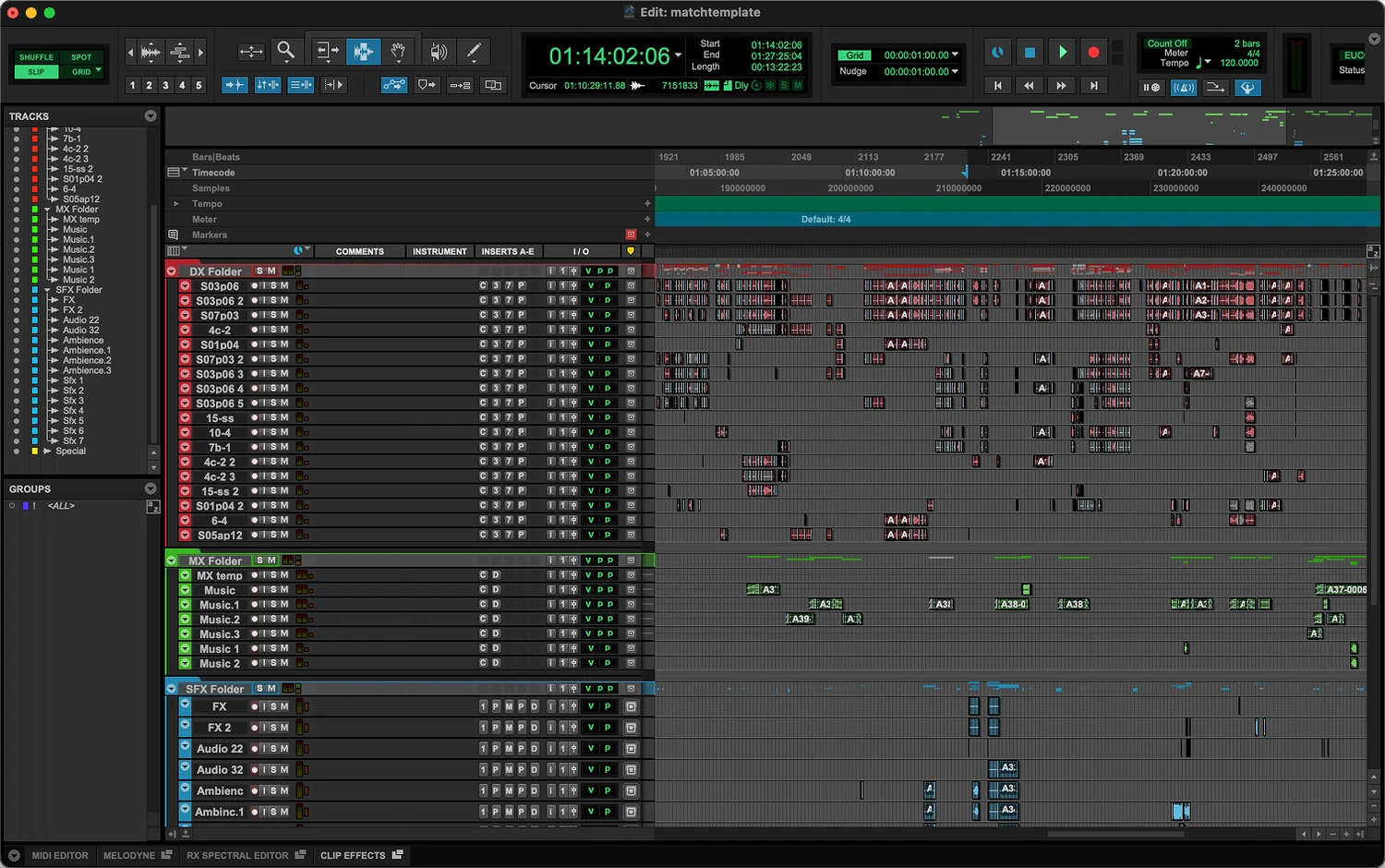
Thirty seconds, start to session.
One AAF, dropped in. Watch fPost classify it, match the template and build the session in Pro Tools. No cuts, no speed-up.
Hours of prep, cut from every turnover
fPost covers the whole prep chain: import, recognition, organization, naming. You open the session and mix.
AAF Import
Import one AAF or a whole batch in a single pass, from any NLE: Media Composer, DaVinci Resolve, Premiere Pro. Clips, fades, gains, automation and timecode land intact, and fPost flags what cannot survive the import before it touches your timeline.
PTX Sessions
Open and reorganize existing Pro Tools sessions, including the ones that arrive from Media Composer. fPost works on what you already have, not just new imports.
100% local. Offline on Suite.
Everything runs on your machine: nothing is uploaded to classify or import. Suite also works with no connection, for air-gapped stages. Enterprise adds the Local Licensing System.
Split AAF into DX / MX / SFX
fPost splits any AAF into dedicated Dialogue, Music and SFX sessions automatically. What used to take hours of manual prep is now one click.
Metadata forensics
fPost reads deep into every clip’s metadata: channel name, scene, take, source TC, NLE origin. Anything incomplete is flagged before it becomes a problem.
Learn once. Match every job.
fPost integrates with the session template you already use. Teach it once and every import lands named, ordered and structured to match it.
Built for the rooms where deadlines live
Post houses, freelance mixers and sound editors run fPost where turnover pressure is highest.
Feature post
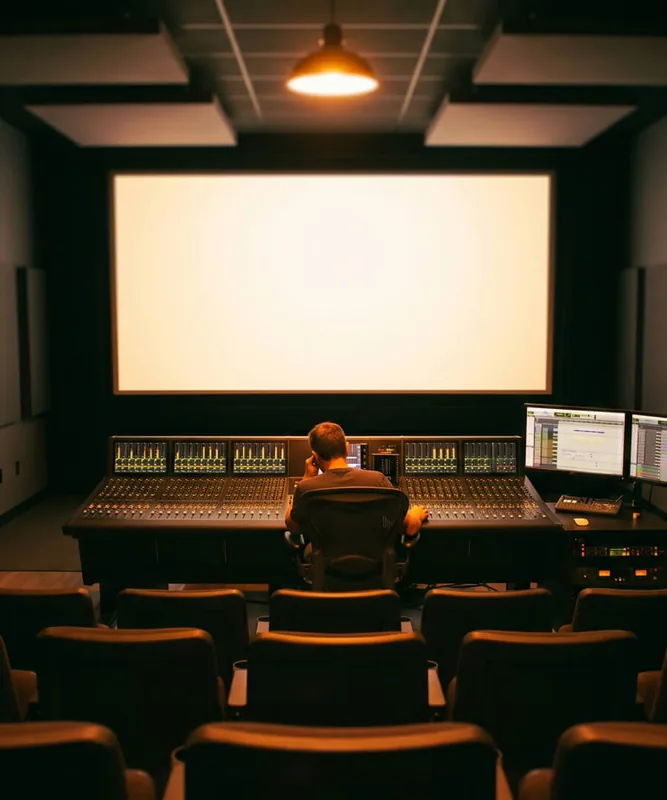
Reels in, sessions prepped to your stage template, ready for the dub. fPost handles the turnover so the mix starts on day one.
Read more →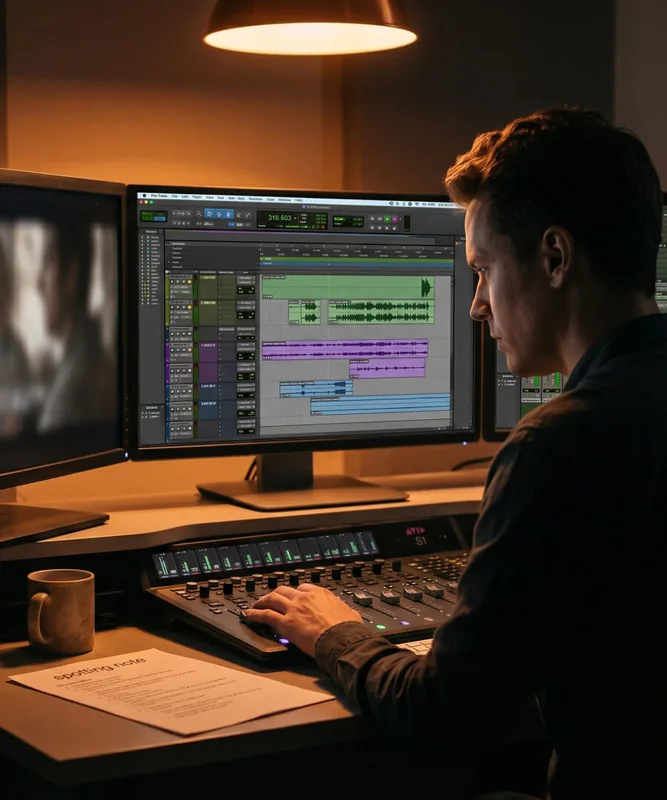
Episodic & series
Same template across every episode, automatically. Turnovers stop eating the schedule and naming never drifts between sessions.
Read more →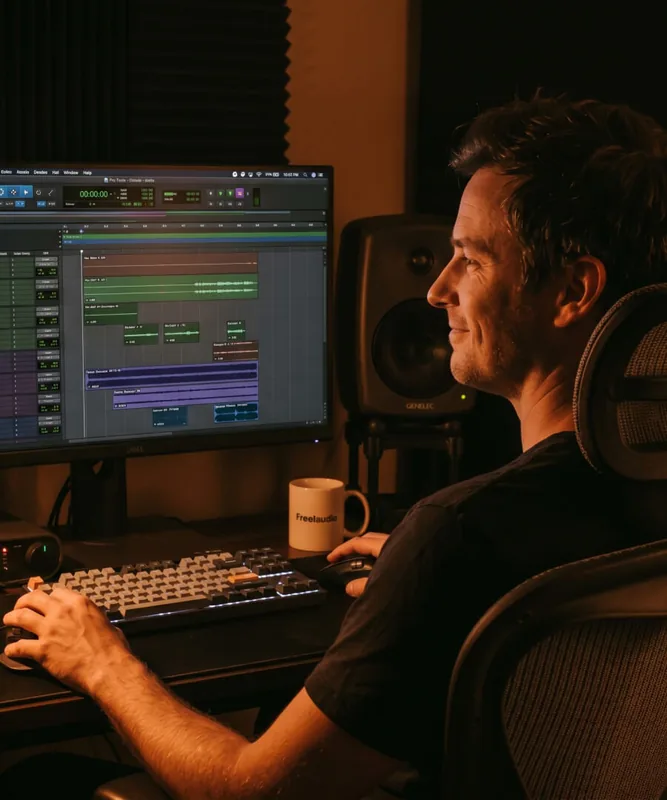
Freelance mixers
One person, facility-grade prep. fPost does the assistant work so the whole day goes to the mix.
Read more →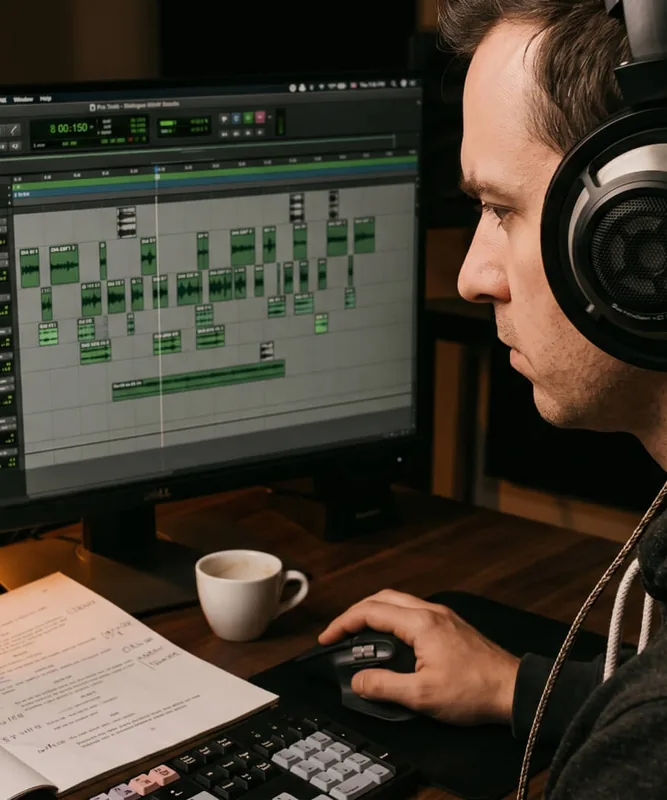
Sound editors
Sessions arrive split and structured: dialogue, music and effects already separated before the edit starts.
Read more →Pricing that pays for itself.
- 1 seat (included)
- AAF import from Media Composer, Premiere Pro, Resolve and Pro Tools (included)
- Clips, fades, gains, automation and timecode kept intact (included)
- AI-R recognition: dialogue, music and effects (included)
- Template matching and naming (included)
- Pro Tools session reorganization, existing PTX included (included)
- Visualizer: review everything before it reaches Pro Tools (included)
- Session-level metadata (included)
- Your original AAF and media are never modified (included)
- Standard support, 48h (included)
- Import multiple AAFs into one session (Suite only, not included)
- Split one AAF into DX, MX and FX sessions (Suite only, not included)
- Micro categories: sync dialogue, instrumental music, foley (Suite only, not included)
- Per-clip metadata (Suite only, not included)
- Works fully offline, air-gapped (Suite only, not included)
Floating licenses, a license server (LLS), an SLA and volume pricing for facilities and studios at scale.
Frequently asked questions
Have a question about fPost? These are the ones we hear most. If yours is missing, get in touch.