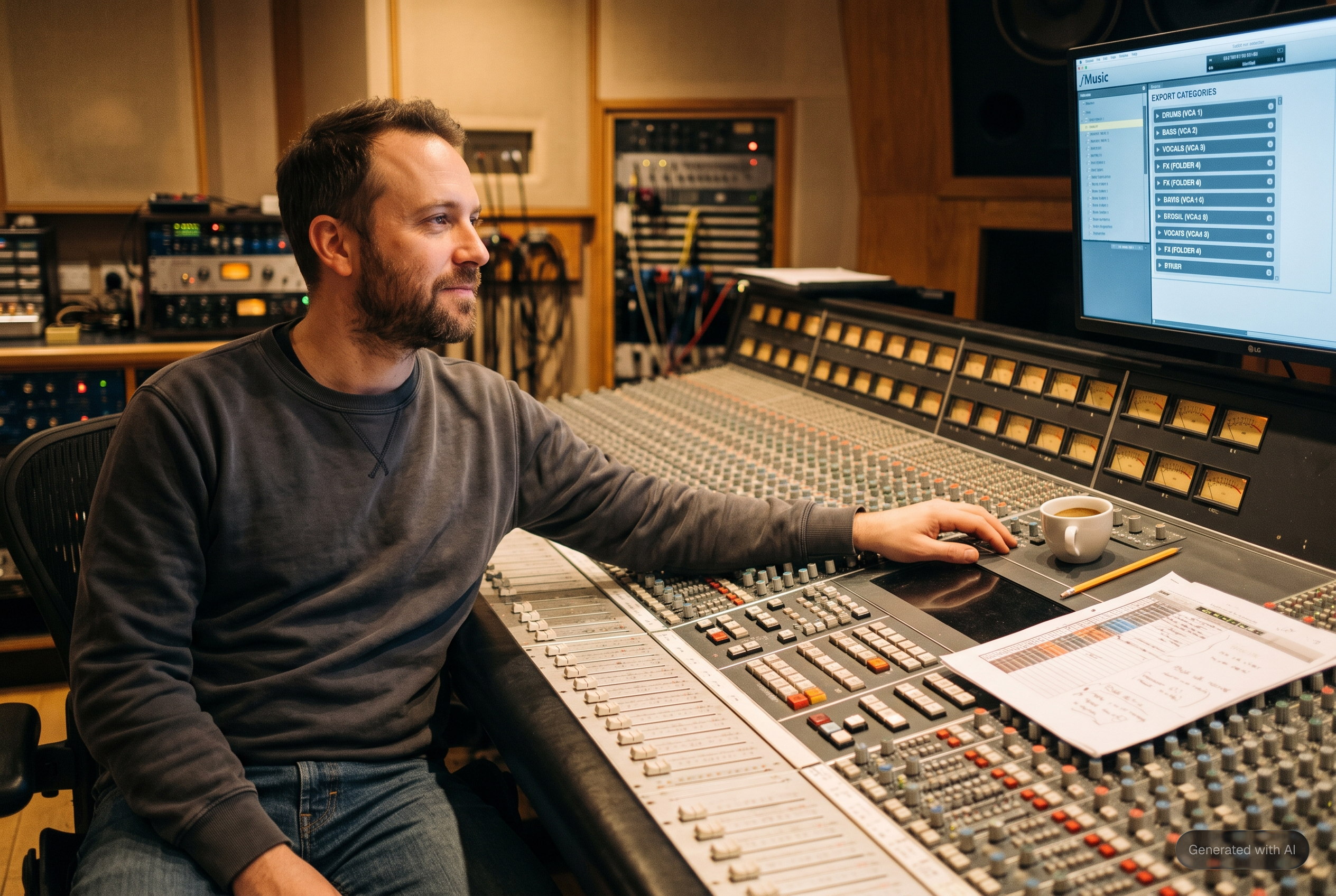
The session arrives on Friday. Forty tracks, half of them named some variant of Audio dup, colors assigned by chance, the vocal chain scattered between a synth and a bounce from last spring. Nothing is wrong with it, exactly. You just cannot read it, and reading it is the first job before the real one can start.
The reading tax
Every studio has its own conventions, which means every inherited session arrives in someone else's. Before a single fader moves, you are identifying what each track actually contains, renaming it into your system, coloring it so the session can be navigated at a glance, and dragging groups together so drums live next to drums. None of that is mixing. All of it is required before mixing can start, and it repeats on every session that was not born in your template.
Your own sessions are not exempt. Three weeks of revisions, comp tracks, alternate takes and one 2am bounce leave a session you built yourself in a state you can no longer read. Entropy does not care whose name is on the file.
The cost is not only the minutes. Session appearance is studio identity: a session that looks right to its owner is navigable at a glance, and a studio where every session follows one convention is a studio where anyone can open anyone's work and find the vocal chain without a guided tour. Inherited sessions break that, one Friday at a time.
What Organize does
Organize is the third flow in the rebuilt fMusic, alongside Import and Export. Point it at an existing Pro Tools session and it reads the arrangement track by track, identifies what each track contains, and loads the whole session into the visualizer, fMusic's own timeline view. There you see the session as it will become: every track categorized, renamed to your convention, colored by your categories, and ordered in the sequence your settings define, all drums together, then bass, then guitars. Apply the changes and the session is written back reorganized. The convention itself is not decided here: categories, naming style and colors are configured once in Settings and read by every flow, so an organized session comes out the same whether it entered through Import or through Organize.
The identification runs on the same engine imports use. Instrument recognition classifies each track from its audio content, one file per track. The naming engine reads the existing names and falls back to the model's verdict when a name says nothing useful, which in an inherited session is often. And custom instrument types carry your own taxonomy, so a studio that calls its 808s 808s keeps calling them that, on inherited material too.
Deliberately, Organize reuses Import's screens. Organizing a session and importing into one are the same mental operation, laying tracks out correctly, differing only in where the audio comes from: new files or the session already open. One pipeline to learn, and both entrances behave identically. The rest of the old to new map is in what changed from fMusic.
The Friday session, walked through
Open the .ptx through Organize. fMusic reads the arrangement and recognition runs once across the tracks. The visualizer shows the session as lanes: the mystery Audio 14 turns out to be a shaker, the three tracks all named vox resolve into lead, double and harmony, and the bounce from last spring is identified as music rather than a reference you have to audition to place. Reorder what needs reordering, remove the lanes that should never have survived, and apply. The session reopens renamed to your convention, colored by category, and ordered so sections sit together. What you deleted is deleted, and everything else is exactly where it was, at the length it had.
| In the inherited session | What Organize writes back |
|---|---|
| Mystery names like Audio 14 | Names from content and your convention |
| Colors assigned by chance | Your category colors |
| Tracks in arrival order | The category order your settings define |
| Unknown content per track | Each track identified by recognition |
| Leftover lanes nobody claims | Deleted only when you delete them |
The two rows that carry the feature are the first and the last: identification is what turns a foreign session into a readable one, and the deletion rule is what makes it safe to let a tool touch someone else's work.
Built not to surprise you
Clips keep their identity. Each clip carries its position, its length and its offset into the source file, which portion of the underlying audio it shows. That third value matters more than it sounds: a strip silenced track is many short windows into one long file, and a tool that drops the offsets loads the session as overlapping full length copies, which looks exactly like corruption. Organize carries all three, so what you see in the editor is what the session actually is.
Deletions are yours alone. The tracks the session loaded with are recorded as a baseline, and when Organize applies changes back, a lane you removed in the editor is applied as a deletion precisely because you removed it. Without a baseline there is no way to tell deleted by the user from never seen by the tool, and a reorganizer that guesses about deletions is not a tool anyone keeps.
Where it refuses to guess
One kind of session is refused outright. A Pro Tools session built from an AAF, the format video editors use to hand audio to the sound team, structures its clips in a way fMusic cannot map yet. Organize could load it as a grid of empty lanes and look broken, or it could say so plainly. It says so plainly, with a clear error, because an editor full of empty lanes erodes trust faster than an honest refusal. If your sessions start life as AAFs, that side of the job belongs to fPost, which is built for exactly that handoff.
Organize is part of fMusic Suite, one of the additions Suite makes on top of the complete Studio workflow; the full split is in fMusic Studio vs Suite. And an organized session pays again on the way out: export categories select their tracks by how the session is built, and every print can be auditioned before it renders.
Frequently asked questions
What exactly does Organize change in my session?
Track names, colors, order and category grouping, per the settings you defined. Clips keep their position, their length and their offset into the source file, so the audio content and its placement are untouched.
Does Organize work on sessions I built myself?
Yes. It reads any existing Pro Tools session it can map, whether it arrived from another room or accumulated three weeks of your own revisions, and applies the same identification and ordering either way.
Can it open a session created from an AAF?
No. Sessions born from an AAF structure their clips in a way fMusic cannot map yet, and they are refused with a clear error rather than loaded as empty lanes. That side of post production belongs to fPost.
Is Organize available in fMusic Studio?
No. Organize is part of fMusic Suite, one of the additions Suite makes on top of the complete Studio workflow.
What happens to tracks I delete in the editor?
The session's loaded tracks are recorded as a baseline, so a lane you remove is applied back as a deletion because you removed it, never because the tool lost track of it.