A folder of forty stems arrives from a producer at 9pm. The file names are a mix of Kick_1_v2_final, Audio 7, and bounce_3. Nothing is routed, nothing is coloured, and three of the mono files were exported as stereo. Before a single mixing decision gets made, someone has to audition each file, work out what it is, and put it where it belongs. That is the part of the session nobody bills for, and it is the part both SoundFlow and fMusic set out to remove.
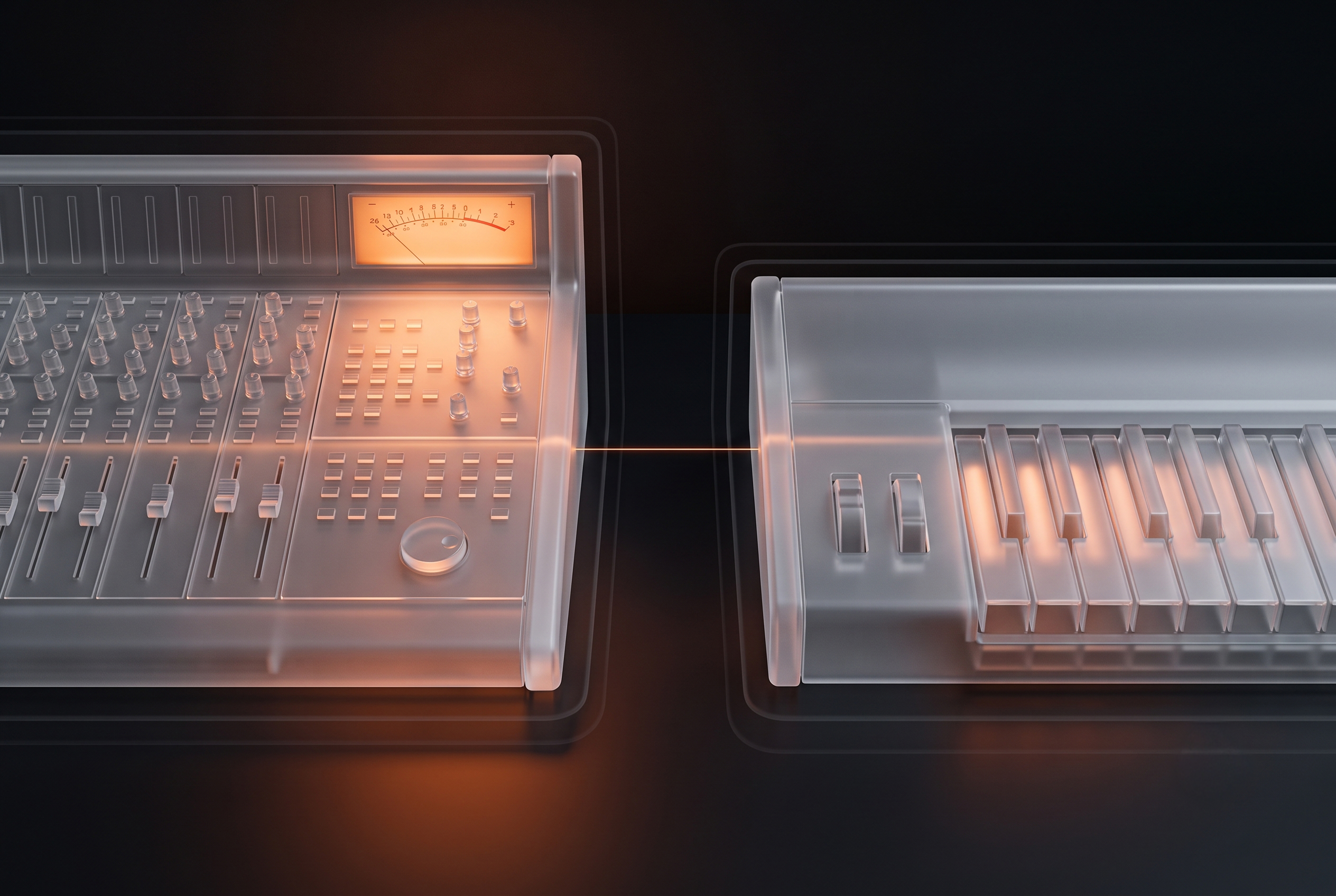
They remove different halves of it. Comparing them on a feature grid misses the distinction that actually decides which one belongs in your studio, so it is worth starting with the mechanism rather than the feature list.
Two Different Kinds of Automation
Every repetitive task in a Pro Tools session splits into two questions. The first is what is this file? The second is what do I do with it? Mix prep feels slow because an engineer answers both, forty times, before the mix starts.
Automation tools tend to solve one or the other. SoundFlow is built around the second question: you tell it the sequence of Pro Tools commands you want performed, and it performs them faster and more consistently than a human clicking through menus. fMusic is built around the first: its AI-R engine analyses the audio content of each incoming file and classifies it by instrument, then routes it against your template.
| Layer | How it decides | What it cannot do on its own |
|---|---|---|
| SoundFlow: command execution | You define the sequence. A macro or a JavaScript action fires Pro Tools commands in order, triggered by a keystroke, MIDI, OSC, or an app window becoming active. | Determine which file is a kick and which is a room mic, unless the file name already says so |
| fMusic: content classification | AI-R analyses the audio itself and classifies each file by instrument, then applies routing, colour, naming, and stereo to mono conversion against your template. | Automate arbitrary Pro Tools menu commands outside the import and export modules |
What SoundFlow Automates
SoundFlow is a scripting and macro platform for macOS, and it is genuinely broad. It ships with more than 1,700 pre-built Pro Tools actions, a drag-and-drop macro builder for chaining those actions into a single command, and a JavaScript scripting engine for anything the pre-built set does not cover. Triggers extend past the keyboard to MIDI, OSC, mobile devices, and other applications. Its reach also goes past Pro Tools to Logic Pro, Media Composer, Sibelius, Ableton Live, iZotope RX, and Frame.io. SoundFlow's own product pages describe it as a workflow platform rather than an audio tool, which is the correct way to read it.
For mix prep specifically, that means anything you can do with a defined sequence of clicks becomes a single keystroke: creating tracks from presets, moving tracks into folders, assigning outputs, applying groups. Sound on Sound's walkthrough of the platform describes it as a scripting and macro app for semi-automating click-intensive operations, and reports reaching useful results in Pro Tools in under thirty minutes of setup. That review is a fair account of both the capability and the ramp.
The ramp is the honest caveat. A macro encodes a decision you have already made. Building the library that covers your sessions takes hours you have to find somewhere, and it pays back over months rather than on day one. Engineers who have invested that time tend to be emphatic about the payoff, and they are right to be.
What fMusic Automates
fMusic approaches the same session from the file rather than the command. When a folder of stems is imported, AI-R (Automatic Instrument Recognition) analyses the audio content of each file and classifies it by instrument, then applies routing to the correct buses and folders, colour coding, consistent renaming, sample-rate matching, and an optional strip silence pass. Mono content that was exported as stereo gets converted, so a stem leaving the session is what it claims to be.
The distinction that matters is that classification runs on the audio, not the file name. A kick drum saved as Audio 3 is identified as a kick drum. A track named Perc that actually contains a guide vocal is identified as vocals. Name-based automation gets both of those wrong, and it gets them wrong silently, which is worse than getting them wrong loudly.
Accuracy is not absolute and Forte does not claim it is. London mixing and mastering engineer Ed Thorne tested fMusic on a 27-file session in his published review: 25 files were routed correctly without intervention, and two needed correcting, one fill assigned to the wrong drum sub-bus and one impact file routed to strings instead of sound effects. Two corrections against twenty-five is the shape of the trade, and for professional use it is the number worth knowing before you buy.
Where They Overlap, and Where They Do Not
Both tools are macOS only. fMusic Studio and Suite are for Pro Tools, with fMusic for Logic Pro sold separately for Logic. Both integrate with Samply for client delivery. Below that, the overlap thins out quickly.
| Capability | SoundFlow | fMusic |
|---|---|---|
| Identifies instruments from audio | No. Actions run on the file name or on your selection | Yes, via AI-R content analysis |
| Arbitrary Pro Tools commands | Yes. 1,700+ pre-built actions plus JavaScript | No. Scoped to the import and export modules |
| Apps covered | Pro Tools, Logic, Media Composer, Ableton, RX, Frame.io and more | Studio/Suite: Pro Tools; separate fMusic for Logic Pro: Logic Pro |
| Setup before first payoff | Build or install macros for your workflow | Point it at your existing mix template |
| Background bounce | Depends on the macro and on Pro Tools behaviour | Yes. Printing continues while you keep working |
| Licence model | Subscription only | Studio/Suite subscription or tier-specific Lifetime; Logic Pro edition one-time |
The Export Side, Where the Difference Shows Up Differently
Import is only half the session. At the other end, ten stems from a four-minute song printed at analog speed is forty minutes of bouncing, and the question is whether those forty minutes are usable.
fMusic runs its export module as a multi-session batch queue with background processing, so printing continues while Pro Tools stays available. Thorne makes the same point about his own sessions, contrasting software that closes off the computer and sends you away to do something else with being able to carry on working on other projects while the print runs. Favourite stem prints, multi-format bounce, and custom categories sit in the same module, and the mechanics of that stage are covered in our guide to stem export automation in Pro Tools.
SoundFlow can absolutely drive a bounce sequence, and for many engineers it does. What it is driving, though, is Pro Tools' own bounce behaviour through scripted commands, so whether the machine stays usable is a function of the commands being fired rather than a property of the tool. If unattended batch printing across several sessions is the specific bottleneck, that is worth testing directly rather than assuming. Our batch bounce workflow guide is the reference point for what that stage should feel like.
Pricing and Licence Model
This is the clearest practical split, and it matters more over three years than any single feature.
SoundFlow is subscription only, with no perpetual option. Its personal plans run from a free tier through SoundFlow AI at $10 per month, SoundFlow Pro at $12 per month, and SoundFlow Pro AI at $20 per month, with separate business plans for facilities. The free tier includes the 1,700+ pre-built Pro Tools macros; installing content from the Store requires a paid subscription. Pricing confirmed on SoundFlow's personal plans page, August 2026.
fMusic Studio and Suite cover Pro Tools, each with 2 seats. Studio costs EUR 18 month to month or EUR 108 a year; Suite costs EUR 22 month to month or EUR 132 a year. Studio Lifetime costs EUR 499 and Suite Lifetime EUR 699, each paid once with updates to the purchased tier included. fMusic for Logic Pro is a separate EUR 249 one-time product. A 7-day full-Suite trial with no credit card runs from forte-ai.com.
Whether a subscription or Lifetime wins depends on the tier and how long you use it. For Studio, compare EUR 108 a year or EUR 18 month to month against EUR 499 once. For Suite, compare EUR 132 a year or EUR 22 month to month against EUR 699 once. Each Lifetime purchase includes updates to its tier, not a license for both DAWs.
Which One You Actually Need
The useful question is not which tool is better, because they are not substitutes for each other.
If your bottleneck is the number of clicks between a decision and its execution, and your sessions are consistent enough that you can encode them as sequences, SoundFlow addresses that directly and nothing else covers as much surface area across as many applications. If your bottleneck is the auditioning and sorting that happens before any of those sequences can run, because the stems arrive unlabelled and differently organised every time, a macro library does not solve it and content classification does.
Plenty of studios run both, and that is a coherent setup rather than a redundant one: fMusic sorts what arrives and prints what leaves, SoundFlow handles the command-level automation across the rest of the day. The pairing that does not work is expecting either one to cover the other's layer.
The one thing worth resisting is choosing on feature-count. A tool with 1,700 actions and a tool that identifies a kick drum from its waveform are not competing on the same axis, and the grid that lists them side by side will always flatter the one with more rows.
Frequently Asked Questions
Can SoundFlow identify what instrument is on a track?
Not from the audio. SoundFlow actions operate on your selection or on information already present in the session, such as the track name, so a macro can move every track containing "kick" into a drum folder. A file named Audio 3 that happens to be a kick drum carries nothing for the macro to match on. Content classification is the layer fMusic's AI-R adds.
Does fMusic replace SoundFlow?
No, and it is not scoped to. fMusic Studio and Suite cover import prep and stem export in Pro Tools; fMusic for Logic Pro is a separate product for Logic. SoundFlow automates command sequences across many macOS applications. Engineers who use both use them for different parts of the day.
Is SoundFlow Mac only?
Yes. Both tools are macOS only, so neither is an option on a Windows Pro Tools rig.
How accurate is instrument recognition in practice?
In a published review of a 27-file session, 25 files were classified and routed correctly and two needed manual correction. Expect to check the result rather than trust it blindly, which is the same posture experienced engineers take with any prep automation.
Which is cheaper?
Over a short horizon SoundFlow's entry tiers are cheaper, and it has a free tier with the pre-built Pro Tools macros included. For fMusic, compare Studio at EUR 108 a year with Studio Lifetime at EUR 499, or Suite at EUR 132 a year with Suite Lifetime at EUR 699. The products and update rights are tier-specific.
Does either one handle strip silence?
Both can. fMusic can apply it as part of the import pass, as an option, alongside routing and renaming, and the technique itself, plus what to watch for, is covered in our guide to strip silence in Pro Tools.
fMusic Studio and Suite handle instrument classification, import prep and export automation for Pro Tools. fMusic for Logic Pro serves Logic users as a separate one-time product. Details and pricing at forte-ai.com/fmusic.
.jpg)