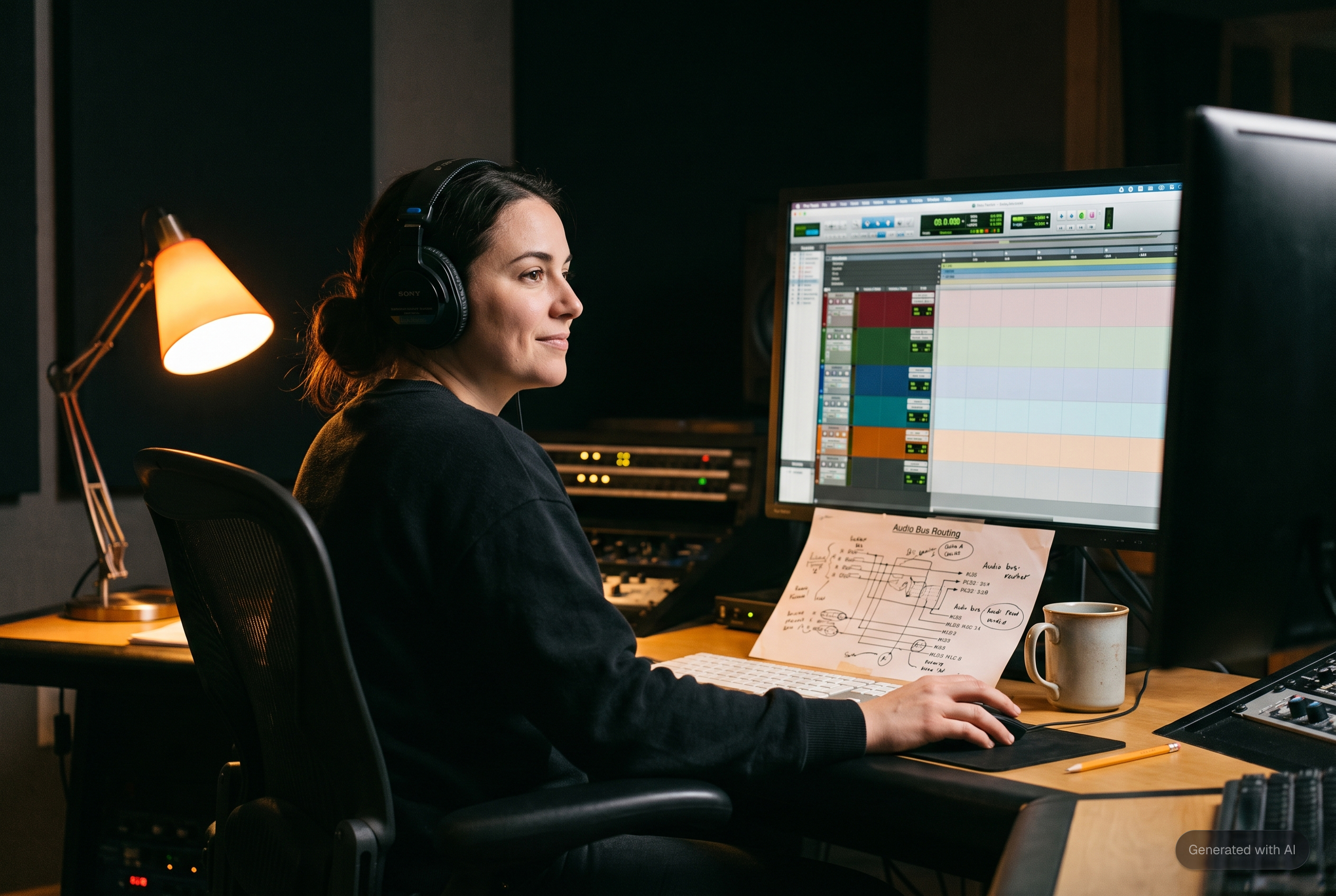
At a glance: Stem export automation in Pro Tools means building a workflow where stems are correctly classified, routed, and bounced in consistent formats every session without manual reconfiguration. Native Pro Tools handles the mechanics of exporting audio files, but it does not solve the classification problem that sits underneath: knowing what is actually on each track well enough to automate the stem structure reliably. This article covers why track-name-dependent automation fails, how content-based classification changes that, what the import-to-export workflow loop looks like when it is built correctly, and why reliability matters more than speed for engineers running back-to-back sessions.
Every mixing engineer who has tried to automate their stem export workflow has run into the same wall, usually on the third or fourth session after setting the system up.
The first session works perfectly. The template matches. Track names are clean. The export runs exactly as configured. Then the next project arrives from a different producer, the track names follow completely different conventions, and the automation that worked last week routes everything to the wrong stems. By session four, you are spending as much time correcting the automation as you would have spent doing it manually.
The problem is not the bounce. It never was.
Why Stem Export Automation Usually Fails
The failure point is almost always the same: the automation is reading track names to decide what goes where, and track names are not reliable.
"Kick" sometimes means the kick drum processed track. Sometimes it means an unprocessed room mic that happened to be labeled Kick in the project. "Guitar" might be a guitar bus, or it might be a single clean guitar that the producer named without thinking about how it would land downstream. "Perc" might contain a guide vocal. Track naming is a personal decision made by whoever built the session, and it follows no universal standard.
Any automation layer built on top of that variable input is inherently fragile. It works when the naming matches what the tool expects and breaks when it does not. Which, across diverse client sessions, is often.
The deeper issue is that sessions arriving for mixing were not built with stem export in mind. They were built for the producer's or tracking engineer's workflow. Getting from that incoming structure to a correctly organized, ready-to-export session requires understanding what is actually on each track, not what it happens to be called.
The Import-Export Loop That Most Engineers Miss
Reliable stem export automation does not start at the export stage. It starts at import.
The sequence that works looks like this: incoming files are analyzed and classified by content, routed to the correct buses in the engineer's template, organized with color coding and folder structure, and stripped of silence. That preparation is what makes the export phase systematic rather than manual. By the time stems are ready to bounce, the routing already reflects the correct instrument groupings. The export configuration does not need to change session to session because the incoming organization is consistent.
Ed Thorne, a mixing and mastering engineer and educator in London, measured this directly. A session that used to take him around 30 minutes to prepare was down to 5 minutes after fMusic handled classification and routing on import. After setting the software up for his own bus systems, he found session setup that previously took at least half an hour now ran in around five minutes, and recommended other engineers try it once configured to their workflow.
That time reduction is not only about import speed. It is about removing the manual judgment calls that would otherwise introduce inconsistency into the session structure before the export has even begun. A session built on consistent routing exports consistently.
Wayne.wav, a producer, engineer, and educator who tested fMusic on a 68-track Pro Tools session, described the shift as moving from spending an hour arranging and organizing to having that work already done. That hour is what exists between receiving a session and actually being able to export stems from it. Removing it from every session is where the weekly time math gets serious.
The Fake Stereo Problem in Stem Delivery
There is a specific technical problem in stem export that rarely gets talked about directly, and it costs engineers more than they realize.
When stems are exported from Logic Pro and certain other DAWs, mono content is frequently exported as stereo. A mono kick drum track becomes a stereo file with identical content on both channels. A mono vocal bus lands as a stereo file. fMusic lets you automate this step for Logic Pro as well.
This is different from the Premiere split-stereo problem in audio post, but it comes from the same class of error: delivery tools generating audio files that do not accurately represent the content inside them. fMusic lets you export mono tracks properly from Logic Pro, so what leaves the session as a stem is actually what it claims to be.
For engineers working in hybrid DAW environments, or receiving mix sessions that originated in Logic Pro before moving to Pro Tools for final processing, getting the proper mono tracks exported correctly prevents problems that would otherwise need a lot of manual time to fix.
What Reliable Automation Actually Means in Practice
Speed is the obvious benefit of automating stem export. Reliability is the more important one.
PJ Gibbs of Production Expert, writing after testing fMusic across multiple sessions for their Gold Award review, framed it the way professionals actually evaluate these tools: reliable, repeatable automation that gives back valuable time and lets the engineer focus on creative decisions rather than admin.
The word "repeatable" is the one worth paying attention to. A tool that works on 80% of sessions is not automation. It is a tool that works most of the time, which still requires you to audit every session to find the 20%. Repeatable automation means you can build delivery schedules around it, trust it for overnight batch runs, and have confidence that what you defined last month still works correctly on today's session.
Ricky Damian, a Grammy-winning engineer at Studio 13, uses fMusic specifically to reclaim the hours lost to session prep week over week. At professional session volumes, the compounding effect of recovering even 30 minutes per session across a full workweek is a full working day returned per month.
Background Processing During Analog Printing
For engineers printing stems through hardware at real time, stem export automation has a second dimension beyond classification: what happens to the computer while the print is running.
Standard Pro Tools locks the session during a real-time bounce. For an analog processing chain, there is no way around this. Ten stems from a four-minute track means 40 minutes of printing time. In a conventional setup, that is 40 minutes where the computer is unavailable for anything else.
Ed Thorne worked this out precisely and found a practical solution. While fMusic printed stems through his analog chain, he opened Final Cut Pro and edited a podcast episode. The 40 minutes became productive. He noted that many other tools lock the computer during the print, whereas being able to keep working on other projects in parallel is where the real time saving comes from.
That is the background processing advantage in its most concrete form. Not a theoretical feature, but a documented switch from 40 minutes of dead time to 40 minutes of productive work on every session with an analog print chain. For more detail on multi-session batch workflows and the full format delivery setup, the Batch Bounce in Pro Tools guide covers the mechanics in depth.
Delivering Stems to Clients After Export
Stem export automation ends when the files leave the DAW. What happens next is where a lot of non-creative time gets spent.
fMusic integrates directly with Samply so stems can be exported and uploaded to a client review project in one action from inside the DAW. The client receives a link with lossless streaming, version management, comment threads, and password protection. The engineer does not manage a separate upload step, track a Dropbox link, or wait for a WeTransfer to complete before moving to the next session.
For engineers running five or more sessions per week, consolidating that final delivery step into the export workflow saves a material amount of time and eliminates the version management problems that come from tracking approvals across email and messaging threads.
How fMusic Compares to Dedicated Bounce Tools
The main alternatives in the stem export space are Bounce Factory and Fast Bounce, both of which focus specifically on automating the bounce and export mechanics in Pro Tools. Neither handles session preparation or import classification. Neither includes content-based track identification. They are tools for the export step only.
fMusic covers both ends: the import preparation that makes consistent export possible, and the export automation itself. For engineers who mix sessions from multiple sources with variable naming conventions, that full-cycle coverage is the difference between automation that works reliably and automation that requires manual correction before each run.
Frequently Asked Questions
How do I automate stem export in Pro Tools?
The most reliable approach combines consistent session prep with a configured export tool. Set up print tracks in your template with consistent naming, define your stem categories, and use a tool like fMusic that handles the routing and bounce configuration. The critical step most engineers overlook is making sure the incoming session is correctly organized before setting up the export, because export automation built on inconsistent routing will fail session to session.
Why does my stem export automation break on different sessions?
Almost always, it is a naming or routing inconsistency. The automation is reading track names or routing structure that varies between sessions, so the configuration that worked last week does not apply correctly this week. Content-based classification solves this by identifying tracks from the audio itself rather than relying on names that change with every project.
Can Pro Tools export stems without locking the session?
Not natively. Real-time bounce for analog printing locks the session. fMusic's background processing allows stems to print while you continue working in other applications, which is the practical solution for engineers with hardware-heavy signal chains.
What is fake stereo and why does it affect stem delivery?
Fake stereo refers to mono audio content exported as a stereo file, with identical audio on both channels. It is common in Logic Pro-originated sessions and inflates file size without adding any useful information. For stem delivery, it can cause routing and level confusion at the mastering or client end where a true stereo file is expected. fMusic lets you export mono tracks from Logic Pro too, without problems.
Does stem export automation work without a template?
Yes. fMusic can apply classification and routing to sessions without a template, as David Gnozzi demonstrated during his MixbusTv review of a session built without one. With a template, the automation is faster and more consistent. Without one, fMusic still handles the classification step and routes content to appropriate destinations based on instrument type.
fMusic handles stem classification, import prep, and export automation for Pro Tools and Logic Pro. Details and pricing at forte-ai.com/fmusic.