
 Loris Comba

Starting with Pro Tools 2026.11, fMusic and fPost run inside Pro Tools. They ship as two separate Pro Tools Extensions: the fMusic Extension for music mix prep and stem delivery, and the fPost Extension for AAF turnovers and audio post. Both open from the Extensions panel, both use the same account and the same plans as the desktop apps, and everything they do happens on your Mac.
It is the next step of a partnership that began in June 2025, when Forte became an Avid Technology Partner. Here is what an Extension is, what the two of them do, how to get them and what is free.
What a Pro Tools Extension is
A Pro Tools Extension is a third-party tool that runs inside Pro Tools instead of as a separate application. Pro Tools 2026.11 introduces them: you open an Extension from the Extensions panel, and it works as a full window or as a narrow side tab next to your session.
For anyone who mixes in Pro Tools every day, the change is simple. The session stays in front of you. There is no second app to launch and no window to switch to: the tools that prep and deliver the session live where the session lives.
Two Extensions: fMusic and fPost
fMusic and fPost are two separate Extensions, listed in Pro Tools as fMusic Extension and fPost Extension. Install the one your work needs, or both.
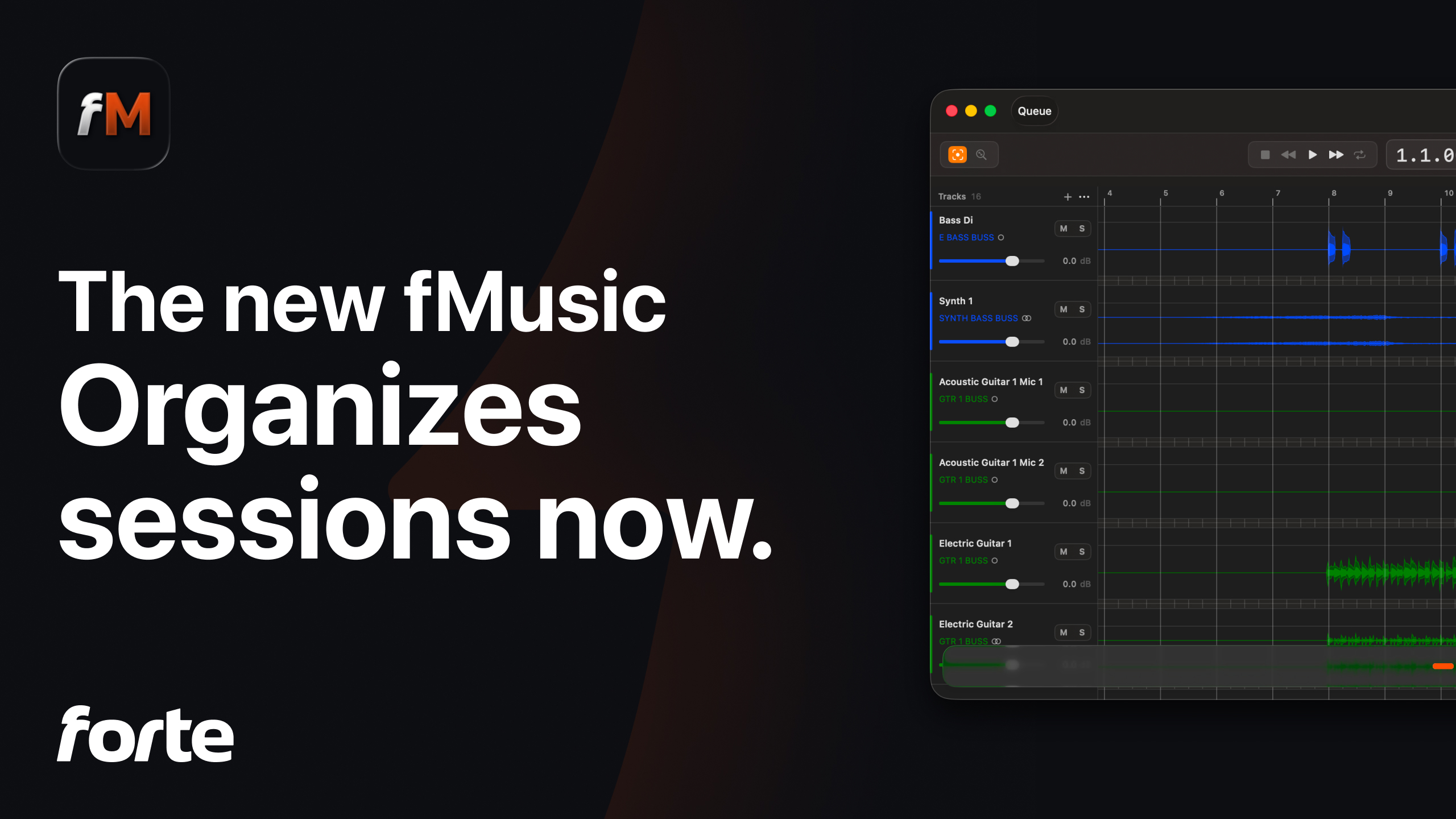
fMusic Extension. fMusic automates the three jobs around every music mix in Pro Tools: prep on import, reorganizing any existing session, and stem delivery. Drop in your files or open a session, and every track is recognized on device, named, colored, grouped and routed to your template, with fake stereo folded to mono, silence stripped per instrument category and levels gain staged to your target. When it is time to deliver, preview each print, pull it from routing source or routing folder, and bounce every stem and alt mix in one batch, in every format you need. More on the fMusic Extension page and in our walkthrough of the fMusic Extension.
fPost Extension. fPost turns an AAF turnover into a mix-ready Pro Tools session, cutting hours of manual prep to seconds, and reorganizes any existing session to the same standard. On-device AI classifies every clip as dialogue, music or effects, down to subcategories like ADR, walla and ambience, then lands each one at its exact source timecode on copies of your own template tracks, routing, plugins and sends included. Import a whole batch of AAFs in one pass, straight into the session you have open. More on the fPost Extension page and in our walkthrough of the fPost Extension.
Both Extensions run the same on-device engine as the desktop apps. Recognition and classification happen on your Mac and nothing is uploaded, which is what makes them usable on material under NDA. The desktop apps, fMusic and fPost, stay available with the same plan, for the rooms that prefer them.
How you get them
- Find them in Pro Tools. In Pro Tools 2026.11, open the Extensions panel or pick Extensions from the Mac menu bar. fMusic Extension and fPost Extension are listed there.
- Download the installer. Pro Tools takes you to Avid's Extensions page to download it. The same installers are on the Forte download page: get them from whichever is closer.
- Install and start free. Run the installer and the Extension appears in the Extensions panel. Your first task is free, with no account needed. At the next one you sign in and a 7-day free trial starts, with everything unlocked.
The details for each product are in the docs: fMusic as a Pro Tools Extension and fPost as a Pro Tools Extension.
What is free and what is paid
On each Extension your first task is free, with no account needed. When you sign in, a 7-day free trial starts with every feature unlocked. After the trial, without a plan, this stays free:
- The Visualizer, always. Open any session in fMusic, or drop any AAF into fPost, and see what the Extension would build, as often as you like.
- 2 free jobs a month on each Extension, with every feature unlocked. On fMusic an import, an organize or a print each count as one job; on fPost an import or an organize.
- AAF Checker, which checks any AAF on macOS, stays free.
A job is spent only on the final button: opening a session, exploring it and setting it up costs nothing, while a run you stop after clicking still counts. While you have jobs left there is no limit on tracks or clips. When they run out, fMusic keeps working within its free Intro limits (8 tracks, 1 favorite and 1 custom print) until the jobs renew at the start of the next month.
Paid use works exactly like the desktop apps: same plans, same prices. Each Extension is the same product as its desktop app, so one plan covers both. If you already pay for fMusic, the fMusic Extension is yours; if you pay for fPost, the fPost Extension is yours. It works the other way round too: a plan bought from an Extension unlocks the desktop app. Plans and prices are on the pricing page.
The partnership so far
From partner to Extension took seventeen months.
- June 2025. Forte becomes an Avid Technology Partner. The same month, fMusic ships export: full stem deliverables, automated.
- April 2026. Avid shows fPost at NAB in Las Vegas: an AAF turnover prepped into a mix-ready Pro Tools session.
- September 2026. At IBC in Amsterdam, Avid previews Pro Tools Extensions, third-party tools running inside Pro Tools, Forte among them.
- November 2026. fMusic and fPost ship as Pro Tools Extensions with Pro Tools 2026.11.
The whole story is on our Avid partnership page.
What Avid and Forte say
“Forte has established itself as a leading developer of innovative solutions that extend and enhance Pro Tools workflows. With fPost and fMusic, they’re applying intelligent automation to streamline time-consuming session prep, organization, and delivery tasks across postproduction and music. We’re excited to work with developers like Forte to bring new possibilities to the Pro Tools community and help customers work faster while keeping their focus on creativity.”
— Dave Tyler, Director of Audio Partnerships, Avid
“We started with Avid's Scripting SDK, driving Pro Tools from the outside. With Pro Tools Extensions, fMusic and fPost now run inside it, in a panel next to the session. That's what this partnership brings to Pro Tools users: the repetitive setup done for them, so their attention stays on the music.”
— Simone Lovera, CPO & Co-founder, Forte
About Forte
Forte Audio S.r.l. is an Italian company based in Turin that builds workflow automation for audio professionals working in Pro Tools and Logic Pro: fMusic for music mix prep and stem delivery, fPost for audio post, and the free AAF Checker. Its AI engine runs on device, so sessions never leave the machine. Forte is an Avid Technology Partner. More at forte-ai.com.
Frequently asked questions
What is a Pro Tools Extension?
A third-party tool that runs inside Pro Tools instead of as a separate application. Pro Tools 2026.11 introduces Extensions: you open them from the Extensions panel, as a full window or a narrow side tab. fMusic and fPost are two of them, each its own Extension.
Do I need to buy the Extensions separately?
No. Each Extension is the same product as its desktop app, so a single plan covers both. A paid fMusic plan includes the fMusic Extension, a paid fPost plan includes the fPost Extension, and a plan bought from an Extension unlocks the desktop app. One account, both places.
Does my audio leave my Mac when I use the Extensions?
No. The Extensions run the same on-device engine as the apps: recognition and classification happen on your Mac and nothing is uploaded.
Which Pro Tools and macOS versions do the Extensions need?
Pro Tools 2026.11 or later and macOS 13.5 or later, for fMusic and fPost alike, with Pro Tools' interface set to English.
fMusic and fPost now live where the session lives, with one plan covering the app and the Extension alike. The whole story of the partnership is on the Avid page.