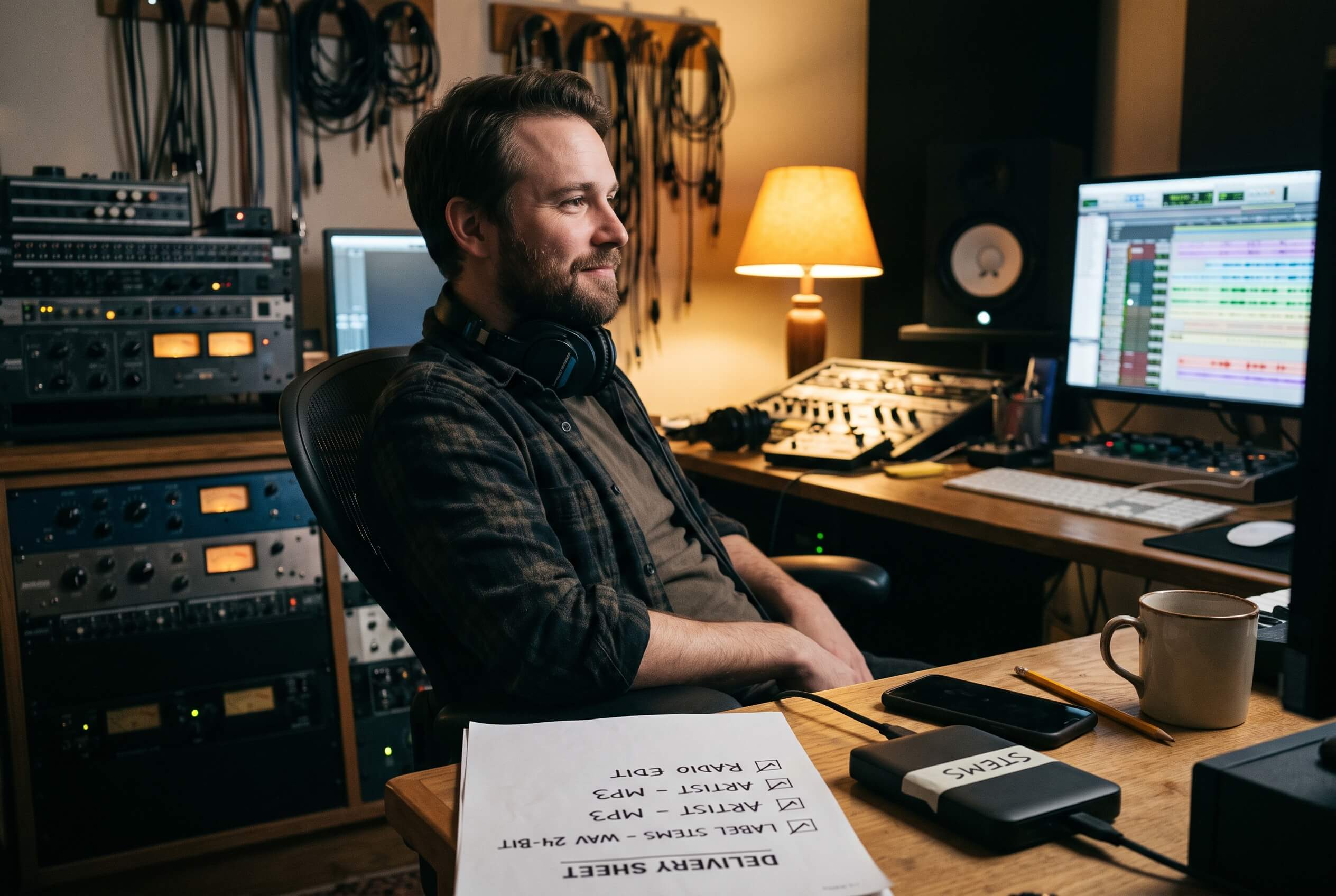
At a glance: A complete mix delivery for a music client contains the approved main mix as 24 bit WAV at the session's sample rate, an MP3 review copy, the instrumental, any agreed alternate versions such as a TV mix or a radio edit, stems only when they were requested, file names that carry artist, song and version, a short delivery note stating what is included and at what resolution, and an archive of the session on your side. Every item exists to prevent one specific email a week later. The checklist below walks through each, and the final section covers how the whole set renders in one pass.
The approval arrives as three words: perfect, send everything. Nothing in the email says what everything is, and the gap between your definition and the client's is where delivery problems live.
The Delivery Is the Last Impression
The client does not hear your gain staging or see your session. What they experience is the folder: whether the file they need is in it, opens where they need it to, and is named so they can find it in a downloads folder three weeks later. A strong mix inside a confusing delivery reads as a confusing experience, and the engineer who never needs the follow up email is the engineer who gets the next record. Delivery discipline is the part of the work the client actually handles, not administration bolted on after it.
The Main Mix, in the Format the Work Deserves
The main deliverable is the approved mix, and approved is the operative word: the exact version the client signed off, not that version plus one more tweak you made after the call. Render it as 24 bit WAV at the session's sample rate, which preserves everything the session had without inventing resolution it did not. If the song goes to mastering, loudness decisions belong there; deliver the mix the client approved rather than a louder souvenir of it.
Alongside the WAV, most clients want a lightweight copy that plays anywhere: an MP3 that survives a phone, a car and a WhatsApp chat. It is the same content in a second format, not a second version, and labeling has to make that obvious.
Instrumental and the Alternate Versions
The instrumental is the most requested extra and the easiest to forget: the mix without the vocals, rendered from the same pass so it matches the main mix exactly. Beyond it, agree the list of alternates before rendering anything: a TV mix, a clean version, a radio edit that starts and ends where the brief says. The TV mix earns a sentence of explanation because clients ask: lead vocal muted, backing vocals kept, built for the artist performing live against the track, and useless if it was actually an instrumental with a different name. Each is a version of the mix, not a new mix, and each needs a name that says which one it is.
The honest rule: render the versions that were agreed, and only those. An unrequested folder of nine alternates does not read as generosity; it reads as a decision the client now has to make.
Stems: Only What Was Asked, Exactly as Asked
Stems are grouped sub mixes, drums, bass, guitars, keys, vocals, each a single file representing its group. They are not multitracks, which are every raw track in the session, and confusing the two is the classic delivery misunderstanding, so confirm which one was requested before rendering either. Two technical rules make stems usable at the other end: every stem starts from the same point, usually the session start, so they line up on sample one in any DAW, and every stem carries its effects tails complete rather than clipped at a section boundary.
Three more decisions travel with stems, and all three belong in the agreement rather than in the render: whether stems are wet or dry, with or without the shared bus processing; whether the stem set must sum back to the mix; and stereo or mono per group. None of the three has one right answer, and all three generate re deliveries when they get assumed silently. Settle them once per client, write the answer in the delivery note, and reuse it.
Stems are also the deliverable with the strongest case for automation, because they multiply: one song, three formats, eight categories is twenty four files to render, name and check. Our guide to stem export automation in Pro Tools covers that ground in full.
Names That Survive the Downloads Folder
Every file name carries artist, song, version and enough technical information to distinguish parallel formats: Artist_Song_Main_48k-24b.wav, Artist_Song_Instrumental_48k-24b.wav, Artist_Song_Main.mp3. No spaces that break on upload, no final, no final_final_2, because version words rot: the name should say what the file is, and the delivery note should say which one is approved. Whatever convention you pick matters less than picking one and never deviating inside a delivery.
The Note That Travels With the Files
One short text file or email paragraph: what is in the folder, at what sample rate and bit depth, which file is the approved main mix, and what was deliberately not included. It takes two minutes and removes the most common follow up emails, which are some version of what am I looking at, which one do I use, and where are the stems you never agreed to send.
Upload It, Then Check What Actually Arrived
The delivery is finished when the client can use it, not when the render ends. Before the send goes out: the folder structure survived compression if you zipped it, the upload completed at a size that matches the file count, the names survived the platform, and the link opens for someone who is not you. Sixty seconds of downloading your own delivery catches the truncated upload and the permissions wall, the two failures that otherwise surface as a confused client email at the worst possible hour.
The Archive on Your Side
Deliveries get re requested months later, after the client changed laptops and the label changed hands. Keep the session, and keep the rendered deliverables with it, either in the delivery folder you archive or printed back into the session itself so the files and the session that made them travel together. The re delivery that takes five minutes because the archive exists is the quietest client retention tool a mixer owns.
The Checklist to Run Before You Hit Send
| Item | What to check before sending |
|---|---|
| Main mix | The approved version, 24 bit WAV at the session's sample rate |
| MP3 copies | Same content as the WAV, labeled as a format, not a version |
| Instrumental | Rendered from the same pass, matches the main mix exactly |
| Alternate versions | Only the agreed list, each labeled as what it is |
| Stems | Only if requested, same start point, tails complete |
| File names | Artist, song, version, format info, one convention throughout |
| Delivery note | Contents, resolution, which file is approved, what is excluded |
| Archive | Session kept with its rendered deliverables, re delivery ready |
Two rows carry most of the risk. Stems, because they multiply into dozens of files where one wrong solo or clipped tail hides easily, and file names, because they are the only part of the delivery the client interacts with every time they touch the work.
Where the List Stops Being Manual
Everything above the note and the archive is render work, and render work is what fMusic turns into a list of prints. Export categories become the stem prints automatically, selecting their tracks through the session's structure, as covered in export categories from buses, outputs and routing folders. The instrumental and the edits are custom prints, the MP3 copies are one extra line in each print's format list rather than a second render, and in fMusic Suite every print can be auditioned before anything bounces. The whole sequence on one song, from spec to folder, is walked through in Delivery day, and the recipe model behind it in every print its own recipe.
What the tool does not do is decide the list. Which versions were agreed, what the client meant by stems, and what the note should say stay between you and the client; fMusic renders the agreement, it does not negotiate it.
Frequently Asked Questions
What format should I deliver a final mix in?
24 bit WAV at the session's sample rate, plus a lightweight MP3 copy where the client wants something that plays anywhere. Label the MP3 as a format of the same content, not as a different version.
Should I send stems with every delivery?
No. Send stems when they were requested or agreed in the project's terms. Unrequested stems add files for the client to misread and commit you to a deliverable nobody scoped.
What is the difference between stems and multitracks?
Stems are grouped sub mixes, one file per group such as drums or vocals. Multitracks are every individual track in the session. Clients say stems for both, so confirm which one is meant before rendering.
How should I name mix delivery files?
Artist, song, version and the technical format where parallel files exist, in one consistent convention with no spaces and no version words like final. The delivery note, not the file name, says which file is approved.
What should the delivery note include?
What is in the folder, the sample rate and bit depth, which file is the approved main mix, and anything deliberately excluded. A short note removes most follow up email.
How long should I keep the delivery archive?
As long as a re request is plausible, which in music is years rather than weeks. Keep the session together with the rendered deliverables so a re delivery is a copy, not a re render.
A clean delivery is a checklist executed the same way every time, not a talent. fMusic renders the list as prints in one pass, and the export model is at forte-ai.com/fmusic.