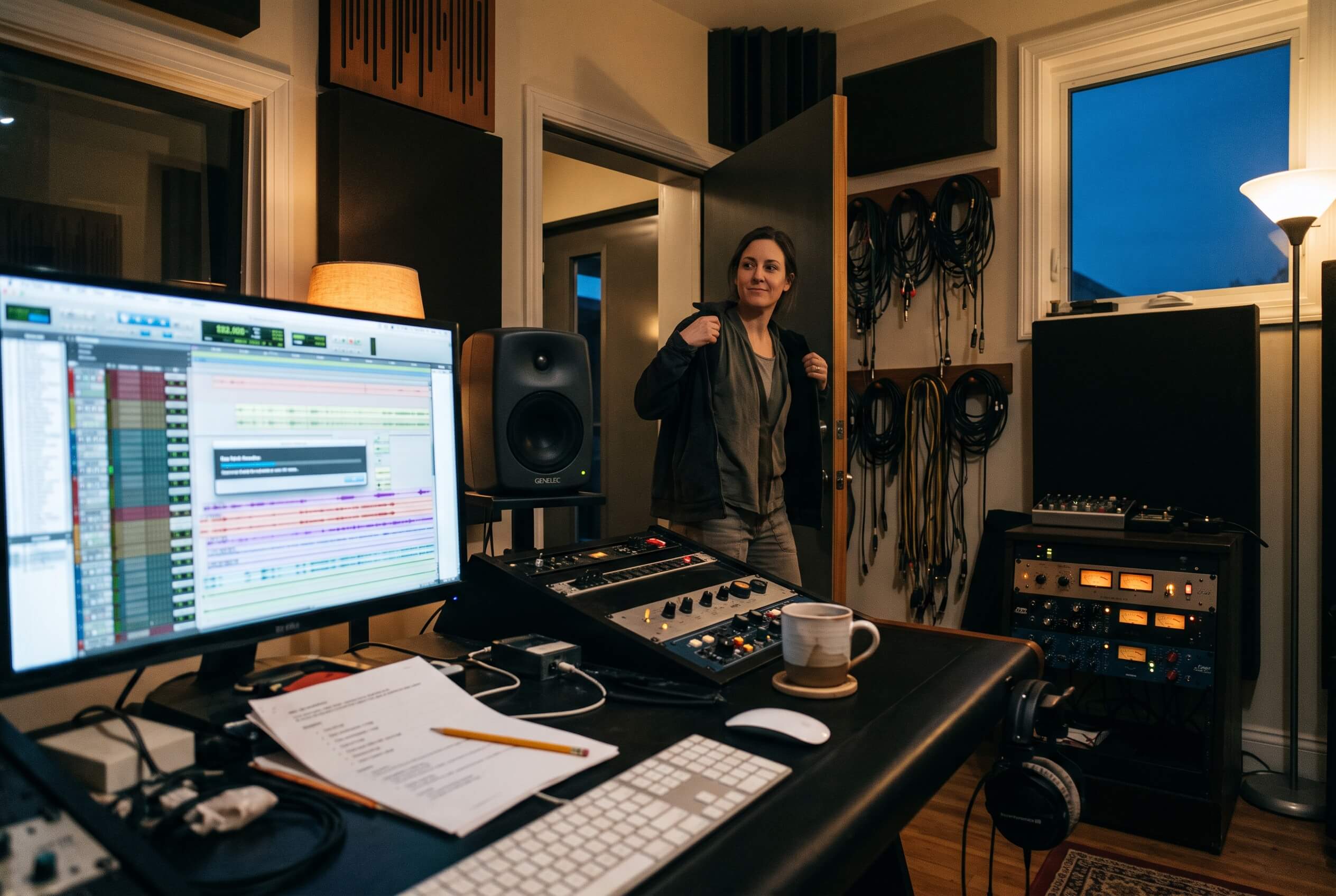
The folder of stems opens and the meters tell the story before playback does. The kick was bounced hot enough to flirt with clipping. The pads were printed at a whisper. Two vocals from two different sessions sit wildly apart in level, and none of this is anyone's fault, because every file was bounced on a different day, through a different chain, against a different reference.
Why imported levels are chaos by default
A delivered file carries the level it happened to be printed at, and nothing more. There is no shared reference between a producer's bounce, a session from another studio and a sample pulled from a library, so a session built from imports starts with its gain structure scattered. The practical costs arrive immediately: faders parked at extremes before a single decision has been made, plugins fed signal far from the level they were set up around, and a first working pass that is really level archaeology, pulling everything into the same ballpark so the actual mixing can start.
The insidious part is that compensation feels like mixing. A fader ride that exists only to undo a hot bounce is work, but it is not a decision about the song, and every session built from unaligned imports starts with that kind of work disguised as progress.
What gain staging in fMusic does
In fMusic Suite, gain staging is part of the import itself. Every import lands at a target loudness, defined in LUFS, under a true peak ceiling, defined in dBTP, both set once in Settings. Material arrives at the level your studio decided, not at the level the file happened to carry, so the session's gain structure is consistent before you have touched anything.
The values are yours to choose: fMusic does not prescribe a target, it enforces the one you set. What matters is that the same pair of numbers applies to every import on every session, which is exactly what a reference level is for.
The timing matters as much as the numbers. Normalizing at import means the correction happens before any decision depends on the wrong level: no clip gain archaeology halfway through the mix, no compressor re thresholded because the source was quietly hot, no discovering in hour three that half the balance was compensation. The meters mean something from the first play.
The same folder, imported twice
Picture the opening scene again, run through the pipeline. The forty stems drop in, recognition names them, categories group and color them, and gain staging lands each file at the studio target on the way through. The session that opens in Pro Tools has its lanes in category order and its levels in one place: the kick no longer dwarfs the pads, the two vocals from two different sources sit at the same apparent loudness, and a fader at unity means what a fader at unity should mean. Nothing has been mixed yet, and that is the point: nothing has been un mixed either. The session starts neutral, and you can hear the material instead of the printing choices of five different people. The result is visible before Pro Tools is touched, in the visualizer, like every other import decision.
LUFS and dBTP, in one paragraph each
LUFS is the broadcast standard unit for perceived loudness: it measures how loud material actually reads to an ear over time, rather than how tall its waveform is. That makes it the right unit for a landing level, because two files normalized to the same LUFS target sit at the same apparent loudness even when their peaks differ wildly, which is the consistency a mix session actually wants.
dBTP is true peak: the maximum instantaneous level of the reconstructed waveform, measured to catch the peaks that occur between samples. A file can show clean sample peaks and still overshoot on playback or after conversion, which is why the ceiling is specified in true peak rather than sample peak. The ceiling keeps the normalization honest: material comes up to the target but never past the roof.
Why it is set once, not per session
Gain staging lives in Settings, global, deliberately not a per session question. A landing level is a studio standard, like a template or a naming convention: its entire value is that it does not change between projects. Set per session, it would drift, and drifting reference levels are just chaos with extra steps. This is the same settings philosophy that runs through the rebuilt fMusic, mapped in what changed from fMusic: anything that defines how the studio works is configured once and read by every flow, so it cannot vary by accident. It also makes the standard self enforcing: a new assistant inherits the room's level by importing, not by being told, and the standard holds on the sessions nobody supervised.
The payoff compounds with the rest of the pipeline. Plugins inserted by match template were set up around a level, and gain staging is what guarantees imported material actually arrives at it: the compressor meets the signal it was threshold set for, on every session, without anyone trimming clip gain first. Consistent chains plus consistent levels is what landing in your setup actually means.
Where it sits in the import
Gain staging is applied as part of the import run, alongside the rest of the pipeline: stereo content resolved, files identified, names and colors applied, strip silence per category, levels landed. Because the target is a setting rather than a prompt, the import screen never asks about it. It simply happens, the same way, every time, and it holds in the batch too: five sessions' worth of imports queued overnight land at the same level as one import run by hand at noon, because the queue runs the same pipeline with the same settings.
What it does not do
Gain staging sets a starting point, and only that. It is not mastering and not delivery loudness compliance: the LUFS target that makes a session comfortable to mix in has nothing to do with the loudness a platform wants delivered, and fMusic does not conflate the two. It does not ride levels during the mix, and it does not touch material already sitting in the session: it acts on what you import. And it is part of fMusic Suite: in fMusic Studio, imports land at the levels the files arrive with, with the full tier split in fMusic Studio vs Suite.
Frequently asked questions
What does gain staging in fMusic actually change?
The level of imported material. Each import is normalized to your target loudness in LUFS under a true peak ceiling in dBTP, so files land at a consistent level instead of the level they happened to be bounced at.
What LUFS target should I set?
fMusic does not prescribe one. The target is a studio standard you choose; the feature's job is applying it identically to every import so the reference actually holds.
What is the difference between a sample peak and a true peak?
Sample peaks measure the recorded sample values; true peak measures the reconstructed waveform between samples, which can overshoot what the samples show. The ceiling is defined in true peak so the limit survives playback and conversion.
Is the gain staging target set per session?
No, and deliberately. It is set once in Settings and applied globally, because a landing level only works as a reference if it never changes between projects.
Does gain staging replace mastering or loudness compliance?
No. It sets the level material arrives at in the session. Delivery loudness is a separate decision made at the end of the work, not at import.
Is gain staging available in fMusic Studio?
No. It is part of fMusic Suite. In Studio, imports keep the levels the files arrive with.
Gain staging in fMusic Suite lands every import at the loudness your studio chose, under a true peak ceiling, set once and applied everywhere. The import pipeline is at forte-ai.com/fmusic.