Automation tools skip Logic Pro for a reason: Apple ships no scripting API for it. fMusic for Logic Pro exists because that reason turned out to be solvable.
It is fMusic's workflow, session prep on the way in and stem export on the way out, built for Logic rooms, and it is its own product: one purchase of EUR 249, not a subscription. While fMusic Studio and Suite are built for Pro Tools, this is the path for producers and mix engineers who live in Logic.
What arrives in your session
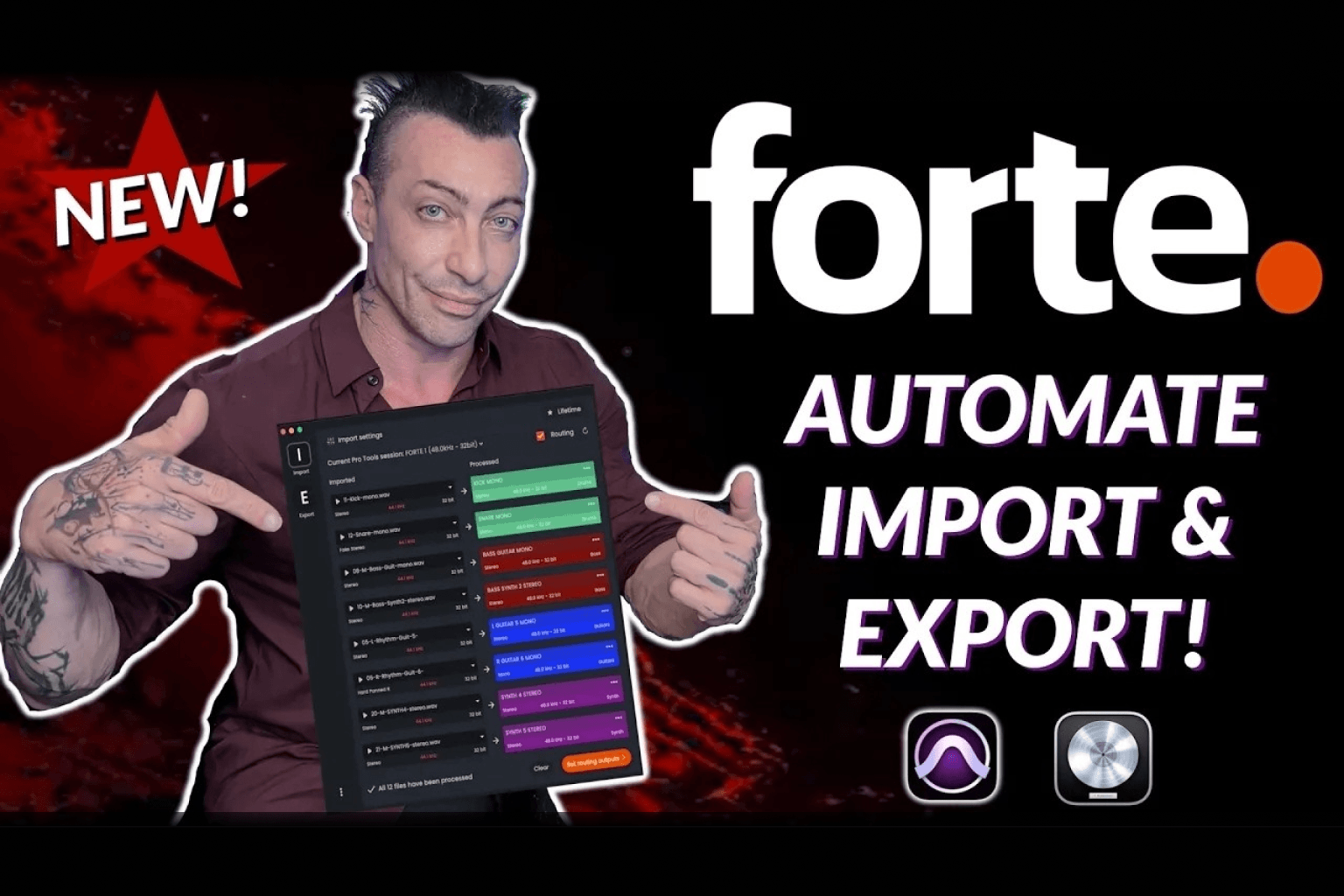
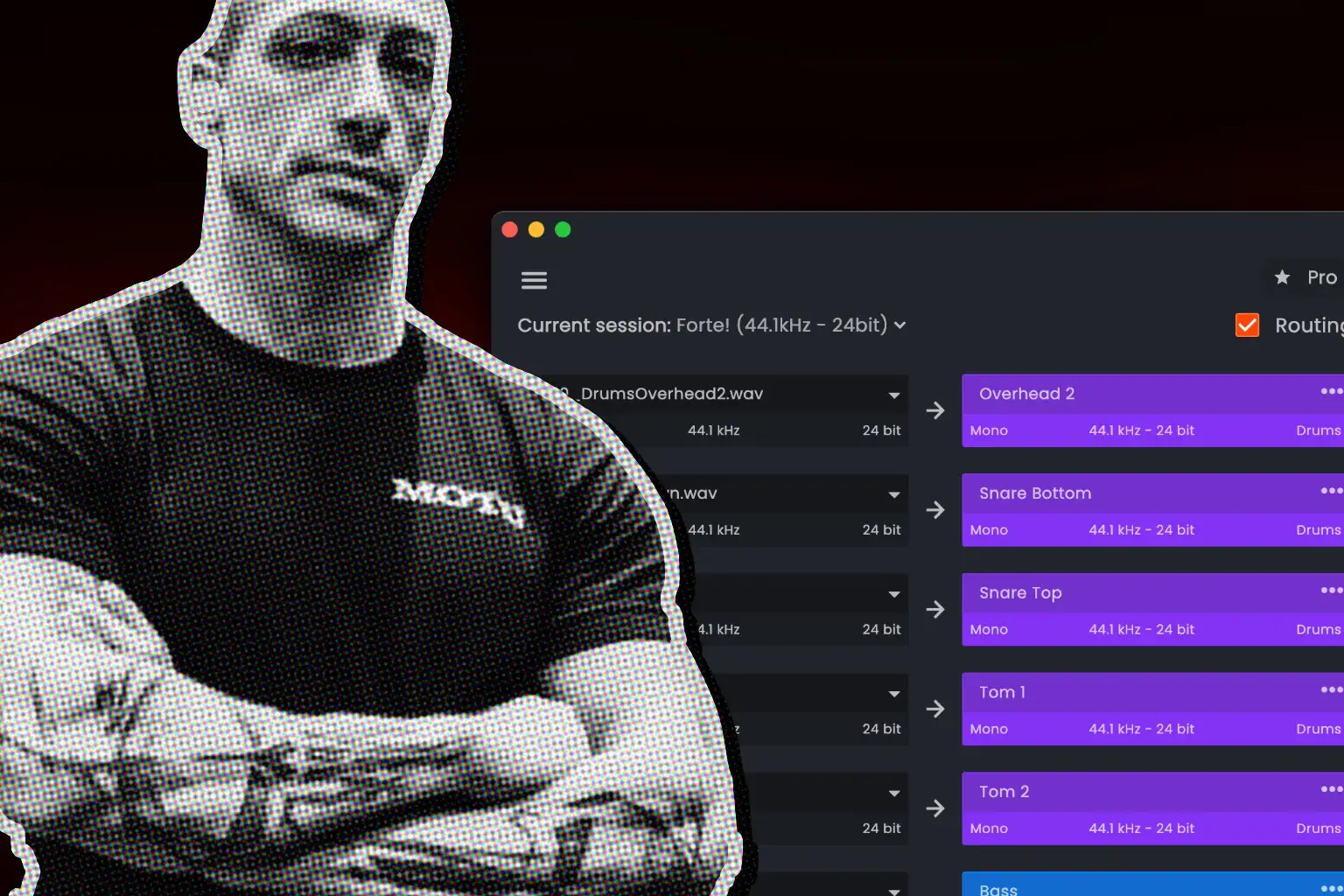
Point fMusic at a folder of stems, or drag the folder in, and every file is identified before it lands. Instrument recognition classifies each file by its audio content, a name engine reads the file names, and custom instrument types let you extend the taxonomy with your own definitions, so your 808s can be 808s rather than generic bass. Tracks are renamed to a consistent convention and color coded, with naming and clip rename settings kept separately for Logic, because Logic's conventions differ from Pro Tools' and a tool that ignores that produces sessions that look wrong to their owner.
The cleanup happens on the way in too. Stereo files whose channels are identical, the fake stereo that silently doubles a session's track count, are detected by content and folded to mono per your rules, along with hard panned files if you choose. Strip silence removes the silent stretches from delivered stems, with thresholds stored separately for Logic because its scale differs, and with every parameter exposed, threshold, minimum duration and the pads kept around each detected sound, because stripping feels destructive and one eaten reverb tail is enough to make a user disable a feature forever. The result is the point of the product: every session in the studio looks the same, so anyone can open anyone's session and navigate it.
Two smaller behaviors carry the same intent. Defaults are seeded before the first import, so a new user never hits an unconfigured pipeline: the first import must succeed without a settings tour. And both the file picker and drag and drop are folder aware, recursing into dropped folders and keeping non audio files out, because producers deliver stems as folders and flattening one by hand would defeat the point of the tool.
How you automate a DAW with no API
Pro Tools has PTSL, Avid's official scripting layer. Logic has nothing, so fMusic drives Logic's real interface through the macOS accessibility layer, the same system layer screen readers use, with a native helper doing the work and AppleScript as a fallback.
For a bounce, that means fMusic opens Logic's bounce dialog, fills in format, bit depth and sample rate, confirms, and polls until the dialog closes and the file is really finished. It solos the tracks a stem needs and restores your solo states afterwards, and it arranges Logic's windows into the state the automation expects before it clicks anything. This is also why the app asks for the macOS accessibility permission on first run: without that permission, none of this is allowed to happen, and the Logic half of the product cannot function.
Stem export without babysitting Logic
Exports are built as prints, configured deliverables you decide once. A print can be grouped, rendering its content as one combined stem, or individual, one file per track. It can run in solo mode, rendering only its own content, or mute mode, silencing its content and rendering everything else, which is the classic way to get an instrumental. Prints built from your categories can be saved as favorites and reused on every project, because categories select tracks by how the session is set up rather than by name or count.
One pass renders every requested format, WAV, AIFF and MP3, with a suffix per format so nothing overwrites. Jobs accumulate in a batch queue that runs unattended, which is the overnight story: queue the exports for several sessions and let them print while nobody watches. Any queued session can be recalled at any moment to keep working on it, and any entry can be expanded to inspect what it holds without opening it. It is the same queue thinking the Pro Tools side grew into a unified batch, covered in what changed from fMusic, applied per module here. Bounced files can also be pushed directly to Samply for client review, a connection made once in settings and read only when you use it.
What it costs and what it needs
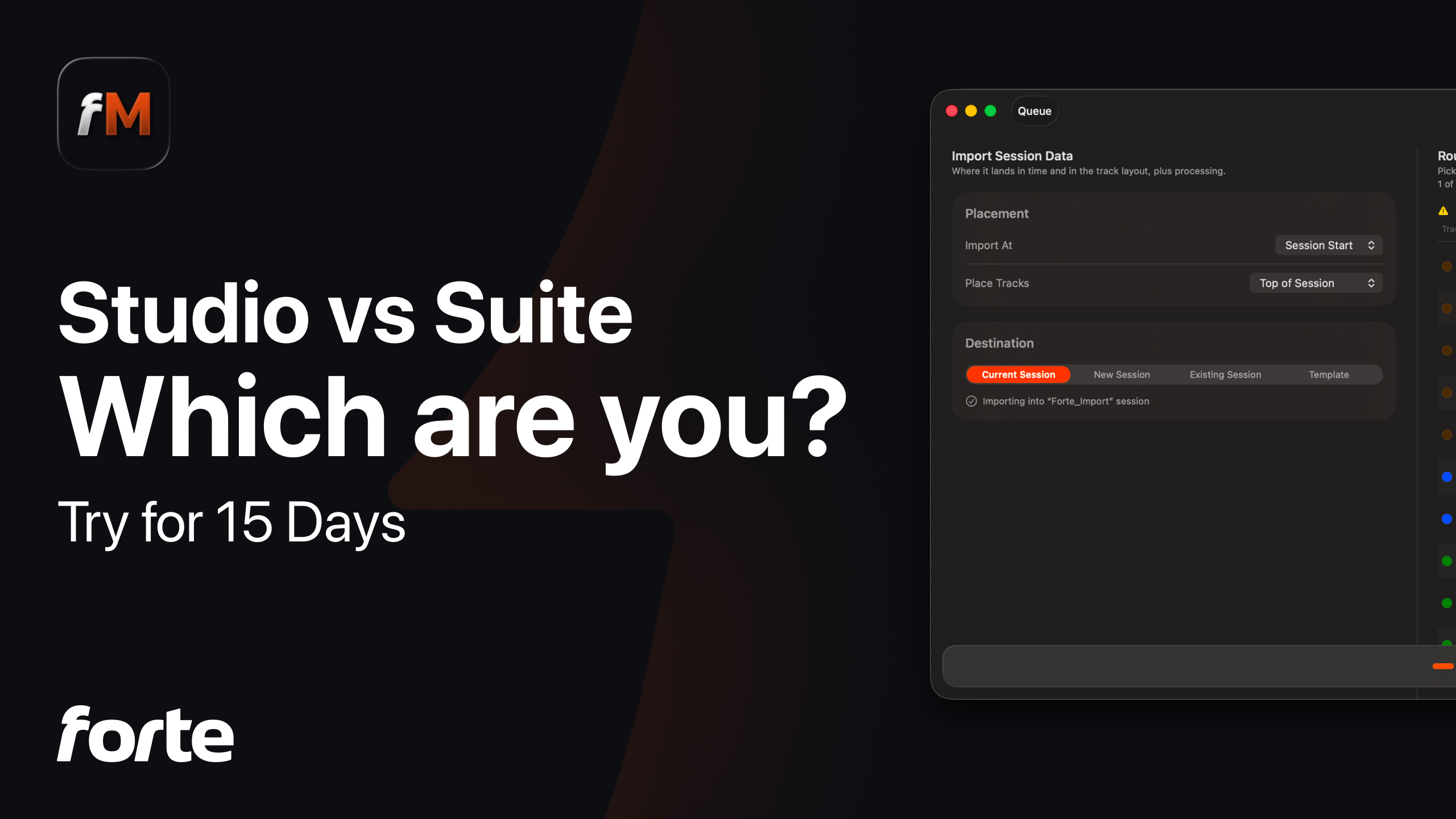
fMusic for Logic Pro is a one time purchase of EUR 249. It requires macOS 11 or later, Logic Pro 11.1 or later, and the macOS accessibility permission described above. The purchase is the deliberate shape, not a stripped subscription: it is not a tier of Studio or Suite, and it does not expire. A standard 7 day free trial lets you run it on your own sessions before buying. Current terms are on the pricing page.
What it does not include is the new Pro Tools layer: the visualizer, the Organize module and print preview belong to fMusic Studio and Suite, the rebuilt tiers for Pro Tools, and how the two tiers split is its own piece. fMusic for Logic Pro is the complete fMusic workflow, prep and export, for Logic.
Frequently asked questions
Is fMusic for Logic Pro a subscription?
No. It is a one time purchase of EUR 249, its own product alongside the Pro Tools tiers, with a standard 7 day free trial before you buy.
What does the automation actually do inside Logic?
It drives Logic's real interface through the macOS accessibility layer: it opens the bounce dialog, fills in format and resolution, confirms, waits until the file is genuinely finished, and restores your solo states afterwards.
What are the requirements?
macOS 11 or later, Logic Pro 11.1 or later, and the macOS accessibility permission, which the app requests on first run because the automation works by reading and clicking Logic's actual UI.
Does it upload deliverables anywhere?
Bounced files can be pushed to Samply for client review. The connection is made once in settings and used only when you choose it for an export.
Does it include Organize or print preview?
No. Those are features of fMusic Studio and Suite, the Pro Tools tiers. fMusic for Logic Pro covers the full prep and export workflow for Logic.
I already used fMusic with both DAWs. What happens to my plan?
Existing users keep what they had and hear from Forte directly about what the new lineup means for their specific plan. Nothing needs repurchasing.
fMusic for Logic Pro turns a folder of stems into an organized Logic session and prints the deliverables back out without babysitting the DAW. It is available at forte-ai.com/fmusic.