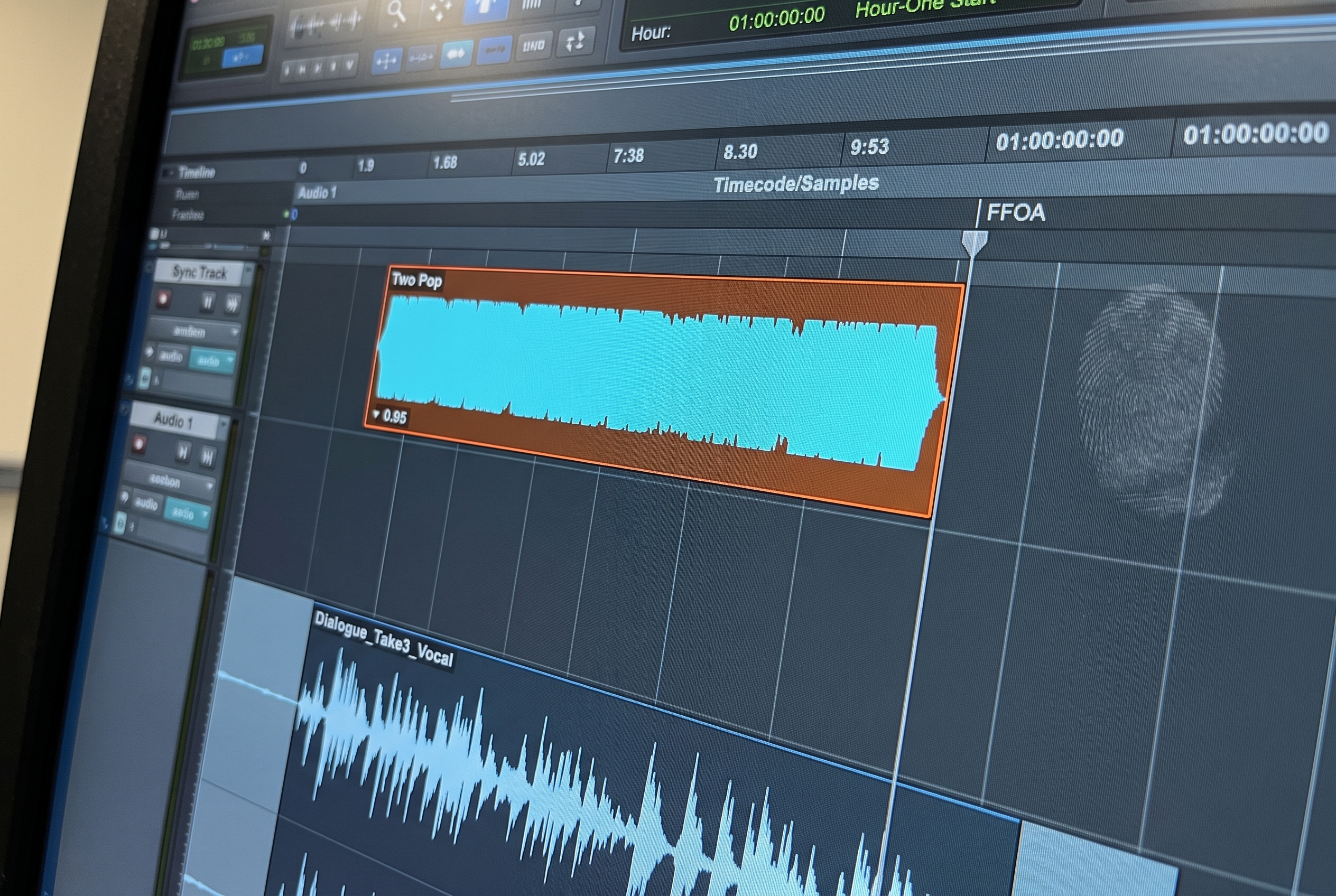
Picture editorial almost never sends one cut and stays silent. Two scenes tighten, a frame moves to satisfy legal, an agency note arrives overnight and the spot needs three new versions. Every change generates a conform pass, and the audio session that has already absorbed dialogue edit, sound design, and mix work has to be reconciled against the new picture without losing what came before. Matchbox handles that reconcile inside Pro Tools. It reads the old picture cut and the new one, computes the delta, and applies it to the existing session so clips, automation, and routing arrive at the new timing in their correct relationships. The output is only as clean as the input, though: the session built from the original AAF decides how much Matchbox can preserve. This guide walks through what Matchbox does, how Smart Conform changed the mechanic, what conditions the session has to meet, and how the build step upstream of conform shapes the whole sequence.
What Matchbox Is and What It Does
Matchbox is a Pro Tools-integrated reconform tool from The Cargo Cult. It sits inside Pro Tools and operates on the active session: a reference of the previous picture cut goes in, a reference of the new cut goes in, and Matchbox computes where edits moved, what was added, and what was removed. It then applies the same shifts to the audio session. Clips slide by the delta. Automation attached to those clips slides with them. Regions outside the edit boundaries stay in place.
The mechanic is not a re-edit. Matchbox does not change dialogue choices, automation values, or routing. It moves the existing material to match the new timing. The dialogue editor's region work, the sound designer's effects, the mixer's volume rides, the ADR cue placements: all of it carries through if the session was structured to let it. The conform is structural, not creative.
This is the part of the pipeline where time pressure compounds. A facility working a series with four conform rounds before final delivery runs Matchbox four times against the same session, and each pass has to leave the work intact for the next round of mix. A reconform that breaks routing or misplaces automation costs the same hours of cleanup four times.
Matchbox 2 and Smart Conform: The Clip-by-Clip Mechanic
Pro Tools 2025.6 introduced Matchbox 2 with a Smart Conform workflow. The change matters because it shifted the unit of reconform from the timeline to the clip.
Earlier reconform engines operated against the timeline as a whole. A single edit boundary that moved by twelve frames produced a timeline-wide shift past that boundary, and the engine then had to reconcile that shift against everything downstream. Boundaries close to other boundaries created ambiguous regions where the reconform had to guess which clip belonged on which side of which shift.
Smart Conform avoids the guess by operating clip by clip. The boundary that moved twelve frames moves the clips at that boundary by twelve frames. Clips at the next boundary move by their own delta. Clips that did not move stay where they were. Automation attached to each moved clip travels with it because the relationship is clip-to-automation, not track-position-to-automation.
For mixers, the practical change is that adjacent edit boundaries no longer interact in unpredictable ways during conform. A two-frame trim at the end of one scene and a four-frame extension at the start of the next scene resolve independently. The clip-by-clip framing also makes the reconform inspectable: each clip's new position is the result of a discrete decision Matchbox made, which means a clip that moved incorrectly can be identified and addressed without unwinding the entire pass.
What Matchbox Depends On in the Session
Matchbox does its job well when the session it is reconforming carries three properties. These conditions are set at session build, not at conform.
- Stable timeline references. Every clip in the session needs a timecode anchor that does not shift with edits made elsewhere. Clips placed using time compression, position-relative gain automation, or other ad-hoc adjustments produce drift the reconform cannot resolve cleanly. The reconform expects each clip to know where it is in absolute time.
- Consistent routing. Matchbox preserves the routing that exists in the session. The dialogue sub-bus, ADR sub-bus, and music sub-bus that the mix has been built against need to be identical to the structure Matchbox can reference. A routing change made mid-project and not propagated through the facility template breaks the reconform's automation handling.
- Clip-level integrity. Clips that were split, joined, or rebuilt during creative work need to be region-grouped where they belong together. Matchbox operates on clips as it finds them, so if a sentence has been split across three regions and those regions were never grouped, each region reconforms independently and the sentence can land out of sync with itself.
These properties are not Matchbox's responsibility to create. The reconform tool moves what it finds; it cannot retroactively impose timeline stability, routing consistency, or clip integrity on a session that lacked them from the start.
The Original Session Decides the Reconform
A working facility's Pro Tools session at the end of dialogue edit and sound design looks like the facility template scaled up: tracks named to the template, content on the correct tracks, routing through the template's sub-buses, color coding consistent. When that session goes into Matchbox, the reconform is a structural pass and nothing more.
A session that drifted from the template during the original build looks different at conform. Dialogue lands on SFX tracks because the build was done in a hurry. Two takes share a track because the assistant ran out of space and improvised. The dialogue sub-bus exists for some clips and not others. Matchbox still runs and still produces an output, but the output is a session that requires the same kind of cleanup the build needed in the first place. Each conform round repeats that cleanup.
The case for fixing the build problem is not aesthetic. It is the time spent on every conform round in a project's lifecycle, plus the surface area for errors during a phase where the schedule is already tight. The cleanest reconform is the one Matchbox runs against a session built to the facility template from the AAF the first time.
fPost at the Build Step
fPost handles the AAF import step that produces the session Matchbox will reconform. AI-R classifies each incoming clip as dialogue, SFX, or music. The session is mapped to the facility template: tracks named, routing in place, color coding applied, folder structure consistent. Source timecode and Import Session Data are preserved, including the timeline structure the reconform depends on. The original AAF is saved alongside the organized session as a safety copy.
What this produces for Matchbox is a session whose three input conditions (stable timeline, consistent routing, clip integrity) hold by construction. Tracks are where the template says they are. Routing is the facility routing, not a per-project improvisation. The Import Session Data preservation keeps source timecode anchors intact on every clip.
With the Suite tier, fPost also flags clips with incomplete or anomalous metadata at the build step. The dialogue editor or assistant resolves those flags during initial prep, when the context is fresh, rather than discovering them three weeks later when a conform reveals a clip that cannot be cross-referenced to a production sound log.
The broader sequence sits inside the audio post production workflow, and the build step specifically is covered in the AAF workflow guide.
The Reconform Sequence in Practice
A working facility runs the handoff between fPost and Matchbox as a defined sequence:
- The AAF arrives from picture editorial after picture lock or a conform round.
- fPost imports the AAF, applies AI-R classification, maps the session to the facility template, and flags any clips with incomplete metadata.
- The dialogue editor or assistant resolves flagged clips during initial prep.
- Dialogue edit, sound design, and mix run inside the session.
- Picture editorial sends a new cut. The conform AAF arrives.
- Matchbox reads the old cut and the new cut, computes the delta, and applies it to the session. Smart Conform operates clip by clip; automation, routing, and clip integrity hold through the pass.
- The mixer reviews the conformed session, addresses creative decisions the new cut raises, and continues.
The integration between fPost and Matchbox is operational, not technical. The tools do not share a file format or an API. What they share is the same Pro Tools session: fPost produces it, Matchbox reconforms it, and the contract between them is that the session carries the metadata and structure each tool needs.
When Matchbox Is the Right Call
Matchbox is the Pro Tools-native reconform engine. Projects that live mostly inside Pro Tools (feature work, episodic mix, commercial post) and where the conform pattern is timing changes against an existing session benefit most from the clip-by-clip Smart Conform mechanic. The Pro Tools 2025.6 integration removed the external-workflow friction that earlier conform passes carried: Matchbox is now part of the session, accessed inside Pro Tools, and the reconform output is the same session ready to keep mixing.
For episodic deliveries that need EDL compare, WAV assembly, and scene remap across multiple roll deliveries, EdiLoad covers a broader workflow and is heavily used at facilities running multi-episode pipelines. Many facilities use both, picking the one that fits each project. Both work better on a cleanly-built session, which is the property fPost provides at the build step.
Frequently Asked Questions
What is Matchbox in Pro Tools?
Matchbox is a Pro Tools-integrated reconform tool from The Cargo Cult. It reads the old and new picture cuts, computes the delta, and applies the shifts to the existing Pro Tools session. Clips, automation, and routing carry through to the new timing.
How does Matchbox 2 Smart Conform differ from earlier reconform engines?
Smart Conform operates clip by clip rather than across the timeline as a whole. A single edit boundary shift affects only the clips at that boundary, not the regions around it. Automation attached to each moved clip travels with it. The Pro Tools 2025.6 integration brought this clip-by-clip workflow into Pro Tools natively.
What does Matchbox need in the original session to reconform cleanly?
Three conditions: stable timeline references (every clip has a timecode anchor), consistent routing (the facility template is in place and held through the project), and clip-level integrity (clips that belong together are region-grouped). Sessions that meet these conditions reconform predictably. Sessions that drifted from the template at build expose the drift at conform.
Does fPost integrate with Matchbox technically?
Not at the API level. fPost produces Pro Tools sessions; Matchbox reconforms Pro Tools sessions. The compatibility is operational: a session fPost has built meets Matchbox's input expectations without translation between the tools.
Can I use Matchbox without fPost upstream?
Yes. Matchbox reconforms any Pro Tools session it is given. The case for fPost upstream is not that Matchbox requires it; it is that the time spent on AAF prep determines how much time the reconform takes. Sessions built manually still reconform; they just expose more cleanup at every pass.
Where does Matchbox sit in the broader pipeline?
The Matchbox step is Phase 3 of a four-phase pipeline: session build (fPost), creative work (Pro Tools), reconform (Matchbox or EdiLoad), and stem export (fMusic). Each phase has its own input requirements; the discipline at each handoff is what keeps the pipeline flowing.
Matchbox handles the reconform mechanic inside Pro Tools so the work already done holds through every picture change the project carries. fPost handles the build step that gives Matchbox a session worth reconforming. Demo at forte-ai.com/demo.