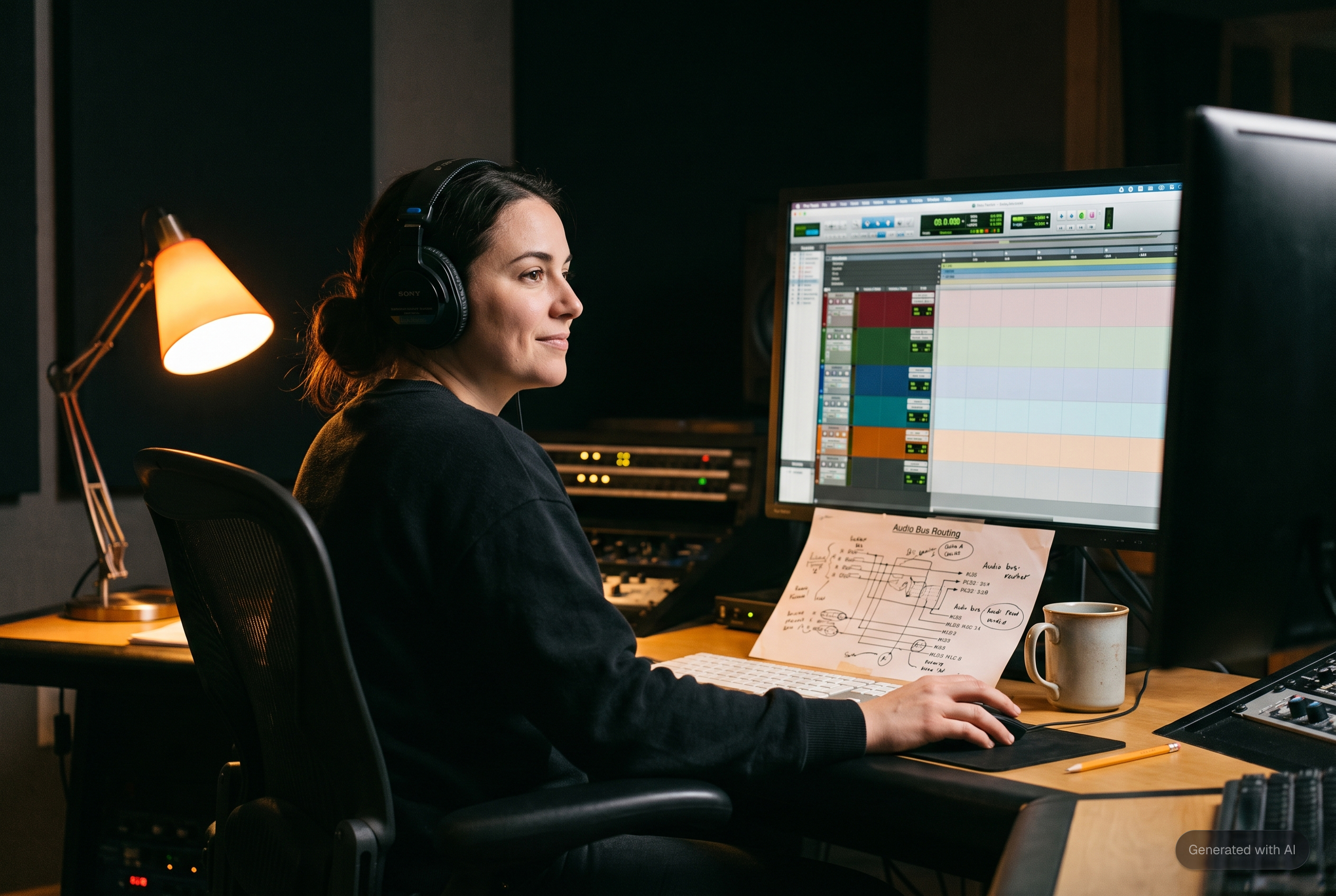
At a glance: Audio post needs six things from a picture handoff, and five of them are settings in your NLE rather than work you do by hand. Handles on every clip, somewhere between 75 frames and ten seconds depending on who you ask. Audio embedded in the AAF rather than referenced. 48 kHz and 24 bit, matching the session. A reference video at the session frame rate with burned in timecode and a guide mix, in ProRes or DNxHD rather than H.264. A stated timecode start and a stated leader convention. And the tracks named and grouped before export, because nothing downstream can recover a name you never gave. This guide covers each one in the order you meet it, and the four questions worth asking your mixer first.
An AAF export takes about ninety seconds. Almost every problem that lands on the audio side comes from a setting inside those ninety seconds that nobody ever told you to change, and most of them are defaults.
That is worth saying plainly, because the received version of this conversation tends to be a complaint. It is not carelessness. The settings that matter are buried in export dialogs, they differ per application, one of them is filed under the video tab in a tool where you are exporting audio, and none of them announce what they are for. Our guide on why the AAF check belongs with the video editor makes the case for catching this upstream. This one is the specification itself.
The Six Things, and What Each One Is Actually For
| What to set | Target | What breaks without it |
|---|---|---|
| Handles | Ask your mixer. Published specs range from 75 frames to 10 seconds | Every clip ends exactly at its cut, so no fade, no overlap, no room tone extension is possible |
| Media handling | Embedded or consolidated, not referenced | Clips arrive as Media Offline and someone spends an afternoon relinking |
| Sample rate and bit depth | 48 kHz, 24 bit, matching the session | Pitch and timing drift, or a conversion pass nobody planned |
| Reference video | Session frame rate, burned in timecode, guide mix embedded, ProRes or DNxHD | No shared reference for sync, and H.264 stutters in playback |
| Timecode | A stated start and a stated leader convention | The whole session lands offset, usually by exactly one hour |
| Track names and order | Named by content, grouped by type before export | Forty tracks called Audio 1 to Audio 40 that have to be identified by ear |
The rest of this guide is the reasoning behind each row, because a spec you understand is a spec you can adapt when a project does not match it.
Handles: Why Nobody Agrees, and How to Pick a Number
Handles are the extra audio kept before and after each clip's cut points. On your timeline you never see them. In the audio session they are the only material available for a fade, a crossfade, an overlap, or extending room tone under a hole in the dialogue.
The published numbers disagree wildly. In Production Expert's April 2024 panel of seven audio professionals, checked August 2026, one asks for 75 frame handles and another for 125. A sound editor's guide for picture editors published on DVXuser specifies 240 frames, or ten seconds, while noting it varies by editor. The Austin facility Soundcrafter asks for six seconds on its published delivery page, and Henri Rapp's delivery guide asks for a minimum of five and prefers ten. Both checked August 2026. Nothing in that spread is wrong.
The reason there is no single answer is that the number depends on what the audio team intends to do. Ten seconds of handle exists so a dialogue editor can pull room tone from a quiet stretch that is nowhere near the cut. Two seconds exists so a mixer can smooth a hard edit. If you deliver two seconds to a team that needed ten, nothing errors: they simply cannot do the thing they were going to do, and the fix is asking you for a re-export a week later.
So the useful move is not memorising a number. Ask once, write down the answer, and reuse it. If nobody answers, ten seconds costs you almost nothing on export and covers every case.
One trap worth naming, reported by the professionals in that same panel. In DaVinci Resolve the handle length setting sits under the video tab of the delivery page, even when what you are exporting is audio only, which is why it gets missed.
Embedded or Referenced, and Why Audio People Care So Much
An AAF can either carry the audio inside itself or point at files sitting elsewhere on a drive. Embedded and consolidated are the first case. Referenced or linked is the second.
Referenced files work perfectly until anything moves. A renamed folder, a drive that mounts under a different path, media delivered to one location and copied to another, and the session opens with every clip reading Media Offline. The structure is intact and the audio is unreachable. Among the panel of professionals cited above, the preference for embedded was close to unanimous, on the grounds that referencing adds one more thing that can fail to relink for no benefit. One dissenting voice prefers referenced media to avoid a forced session format conversion, which is a real reason, and it is also a reason to ask rather than assume.
Embedded files make a larger AAF. That is the entire cost, and it is trivially cheap against the alternative. If the file is genuinely too large to move, split it by track groups rather than by sections of the programme, so no department ends up with half its material in one file and half in another.
The Reference Video Is Not an Afterthought
The AAF carries audio and timeline structure. It does not carry picture. The audio team needs a video reference to work against, and the specification for it is narrower than most people expect.
Frame rate matches the session, not the delivery. If the project is 23.976 the reference is 23.976, and a reference exported at 24 will drift against the audio in a way that reads as sloppy sync rather than as a settings error.
Timecode burned into the picture, usually in the lower third. This is the window dub, and it is what lets an editor and a mixer on a phone call refer to the same frame. It has to read the sequence timecode, not the source timecode of the underlying clips, which is a setting you can get wrong without noticing.
A guide mix embedded in the reference. Your temp mix, whatever state it is in. It is not for mixing against; it is so the audio team can hear what you intended, particularly where you cut to music or where a sound effect is carrying a moment.
Codec: ProRes or DNxHD, not H.264. Soundcrafter's published delivery requirements, checked August 2026, explicitly warn that H.264 causes playback problems in Pro Tools, and prefer DNxHD followed by ProRes 422 Proxy or LT. The same page gives useful size targets: a twenty minute file at or under 5 GB, a ninety minute file at or under 25 GB. Henri Rapp's guide lists H.264 as acceptable, which is where the confusion comes from. For a Pro Tools destination, treat H.264 as the fallback of last resort.
Timecode: State the Convention, Do Not Assume It
Two separate things have to be agreed, and the second one causes more damage than the first.
The start timecode is the easy half. Broadcast and streaming work almost universally starts the first frame of programme at 01:00:00:00, and stating it in the delivery note takes one line. A session built at 00:59:00:00 against an AAF built at 01:00:00:00 imports without complaint and is wrong by an hour, which nobody notices until it plays against picture.
The leader convention is the hard half, because more than one is in active use and both are correct in their own world. The broadcast convention, as set out in the DVXuser guide cited above, puts a countdown starting at 00:59:50:00 and the two pop, one frame of picture and one frame of 1 kHz tone, at 00:59:58:00, two seconds before the first frame of programme. The film leader convention places both at entirely different timecodes: on a SMPTE Universal Leader the countdown itself starts at 01:00:00:00, the two pop lands at 01:00:06:00 and the first frame of action at 01:00:08:00, per Wikipedia's 2-pop reference, checked August 2026. Do not assume the receiving side shares yours. Name the convention in the delivery note, or say explicitly that there is no leader, which is also a perfectly good answer on a commercial or a corporate piece.
On a batch of deliverables, the same convention has to hold across all of them. Commercial campaigns routinely arrive with two pop on some spots, first frame of action on others and slate on the rest, inside one delivery, and untangling that is a genuine cost. The three stages where an import fails, and what each one looks like, are broken down in our guide to why an AAF will not import cleanly.
Naming and Track Order: The Part Only You Can Do
Everything above is a setting. This one is work, and it is the one thing in this guide that nobody downstream can recover if you skip it.
The audio team's first job on any turnover is working out what each clip is. Where your track names describe content, that job is already done. Where they read Audio 1 to Audio 40, someone auditions forty clips before touching anything. The professionals in that Production Expert panel describe receiving track one with mostly dialogue plus random effects and music thrown in, and a single character's dialogue spread across any number of tracks, sometimes more than a hundred.
A prescribed order helps as much as the names. The layout in the DVXuser guide, running top to bottom, is voice over, then dialogue, then mono sound effects, then stereo sound effects, then music. What matters more than the specific order is that it is the same order every time, because a mixer who knows your layout can read a session at a glance rather than by inspection.
Two NLE specific traps sit here. Nested and merged sequences in Premiere tend to arrive as a stereo mixdown of the nested content rather than as the individual clips, which strips out exactly the editability the audio team needed. And automatic audio rendering on video clips should be off before you export, or you deliver rendered files instead of source. If you are exporting from Premiere, the settings that matter are in our Premiere AAF export guide. Media Composer, Resolve and Final Cut Pro each have their own, and Final Cut still needs a bridge tool to produce an AAF at all.
What Else Goes in the Delivery
Beyond the AAF and the reference video, four things are worth sending and rarely are.
The production sound archive. The original recordings, not just what made the cut. When AAF metadata is thin, the original broadcast wave files are what let a dialogue editor recover scene, take and channel names.
Alternate takes. Lines you rejected for performance are sometimes the only clean version of a line. The dialogue editor cannot ask for what they do not know exists.
Music, in its parts. Stems and alternate versions rather than a single stereo bounce, plus the paperwork, because temp music that has to be replaced is a schedule problem that gets discovered late.
Notes. Where you know the audio is a problem, say so. Two lines about a scene shot next to a generator saves the dialogue editor diagnosing it from scratch.
The Four Questions to Ask Before the First Delivery
Every spec above has a range, and the range is where the argument happens. Rather than adopting anyone's numbers, ask the person receiving the file:
- How many frames or seconds of handle do you want?
- Embedded or referenced media?
- What start timecode and which leader convention?
- What reference video format, and do you want the guide mix in it?
Four answers, written down once, reused on every project with that team. This is a more reliable specification than anything published, including this page, because it is the actual spec of the people doing the work.
Checking It Before You Send
The spec above is only useful if you can confirm you hit it. An AAF is a container, and opening it back up in your NLE tells you nothing about how it will behave in Pro Tools.
The free AAF Checker reads a file and reports what a Pro Tools import will find: whether the media is present and readable, the sample rate and frame rate, the timecode, and whether the structure is intact. What it does not do is judge your edit or fix anything, and it has no opinion on any of the choices above. It confirms the file is sound. Why that check sits better with you than with the person receiving the file is the argument made in our guide for video editors.
Frequently Asked Questions
How long should handles be on an AAF export?
Ask the person receiving it, because published specs range from 75 frames to ten seconds and all of them are used in practice. If you cannot ask, ten seconds is the safe default: it costs almost nothing on export and covers dialogue editing work that shorter handles make impossible.
Should I send an AAF or an OMF?
AAF. OMF loses volume automation and track names on export and carries a 2 GB file size limit, which is why modern audio post standardised on AAF. Send OMF only if the receiving side specifically asks for it. The format itself is covered in our AAF guide.
Do I need to send a video file with the AAF?
Yes. The AAF carries audio and timeline structure but no picture, and the audio team needs a reference to work against. Send it at the session frame rate, with timecode burned into the image and your guide mix embedded, in ProRes or DNxHD.
Why does the mixer keep asking me to re-export?
Usually one of three things: handles were off or too short, the media was referenced rather than embedded so it arrived offline, or nested sequences flattened into a mixdown. All three are export settings rather than anything wrong with your edit, and all three are visible before you send.
Does it matter if my tracks are not named?
It matters more than anything else on this list, because it is the only item nobody downstream can recover from the file itself. A track named by content saves someone auditioning clips one by one to work out what they hold, and it is the cheapest thing on this list to get right.
What sample rate and bit depth should the audio be?
48 kHz and 24 bit, matching the session. Both the Production Expert panel and the published facility specs cited above give the same figures, and assistants routinely verify sample rate, bit depth and timecode rate the moment a file arrives. A mismatch produces pitch and timing problems that are easy to misattribute to something else later.
What happens if picture unlocks after I have sent the AAF?
Tell the audio team immediately rather than waiting for the next delivery. Work already done on the old cut has to be repositioned against the new one, and how expensive that is depends on how much has been built. The process on the audio side is covered in our guide to conforming after picture lock.
The AAF Checker reads any AAF and tells you what a Pro Tools import will find, before you send it. Free for macOS at forte-ai.com/aaf-checker.